No-code セットアップ
取得したいフィールドをハイライトするだけで、Parsio が同じ種類の今後のメールを自動処理します。
完全な連絡先情報
受信した各リードメールから、氏名、メール、電話番号、会社、任意のカスタムフィールドを取得できます。
複数のメールレイアウト
さまざまなメールソース用にテンプレートを作成できます。Parsio は各メッセージに適したテンプレートを自動選択します。
CRM へリアルタイム同期
メール到着と同時に、取得したリードを HubSpot、Salesforce、Pipedrive、Google Sheets、任意のプラットフォームへ送信します。
一度設定すれば、リード取得を継続的に自動化
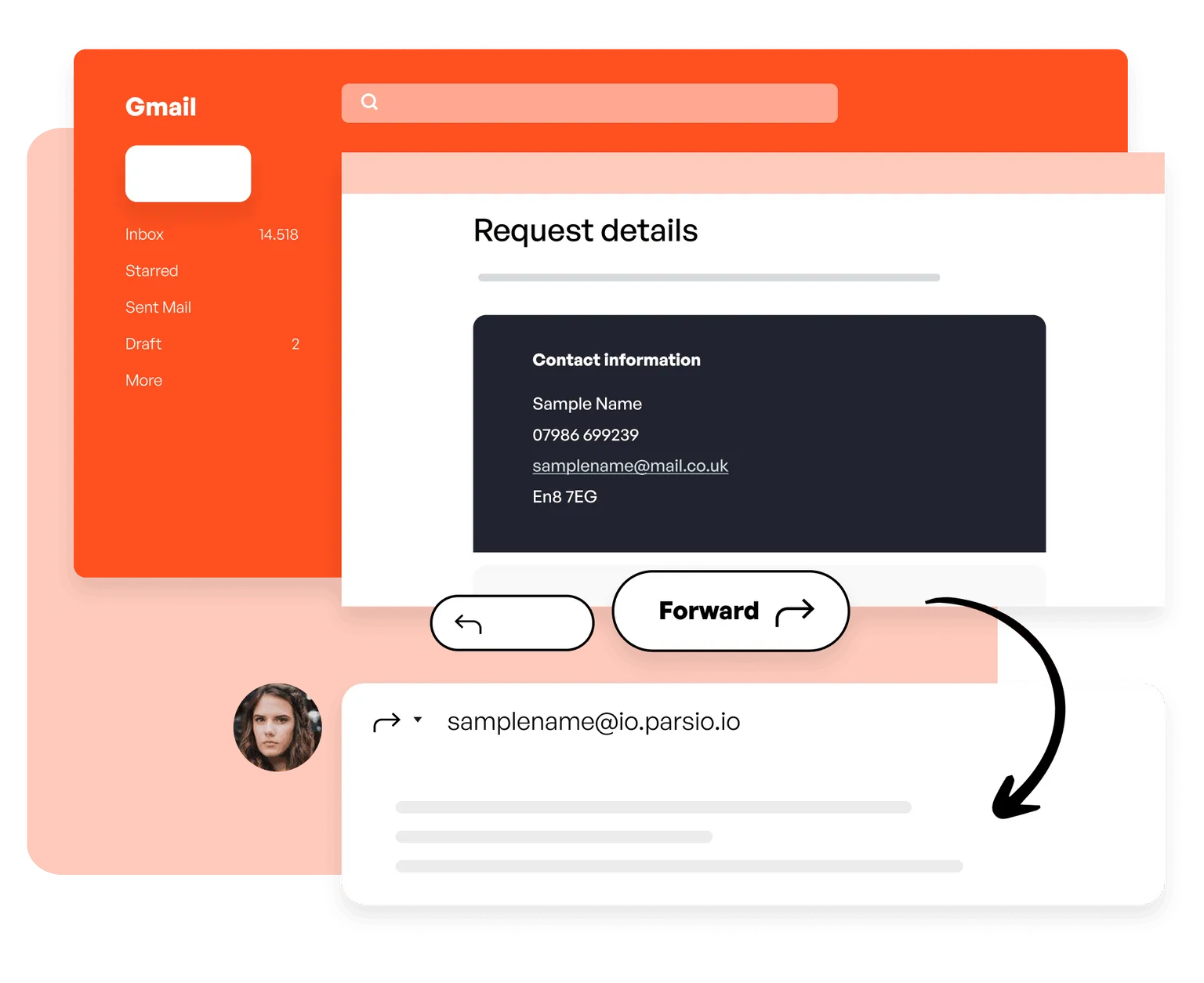
01. メールを Parsio に転送
サンプルメールを Parsio メールボックスへ転送するか、自動転送ルールを設定してプロセス全体を自動化します。以後の手作業は不要です。
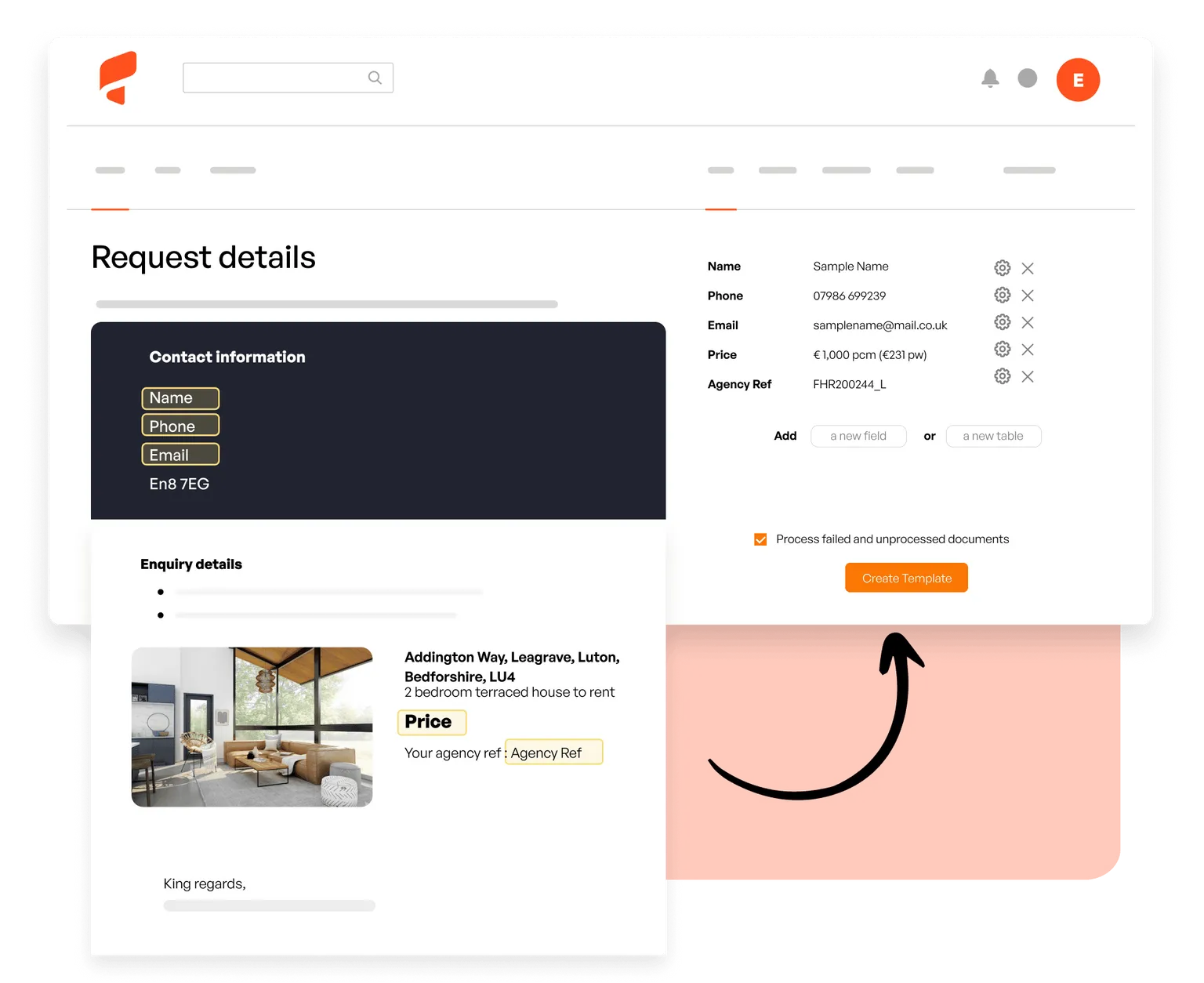
02. 取得するフィールドを定義
Parsio でサンプルメールを開き、氏名、メール、会社、電話番号など必要なリードデータをハイライトします。一致する今後のメールは自動解析されます。
03. リードを CRM へ送信
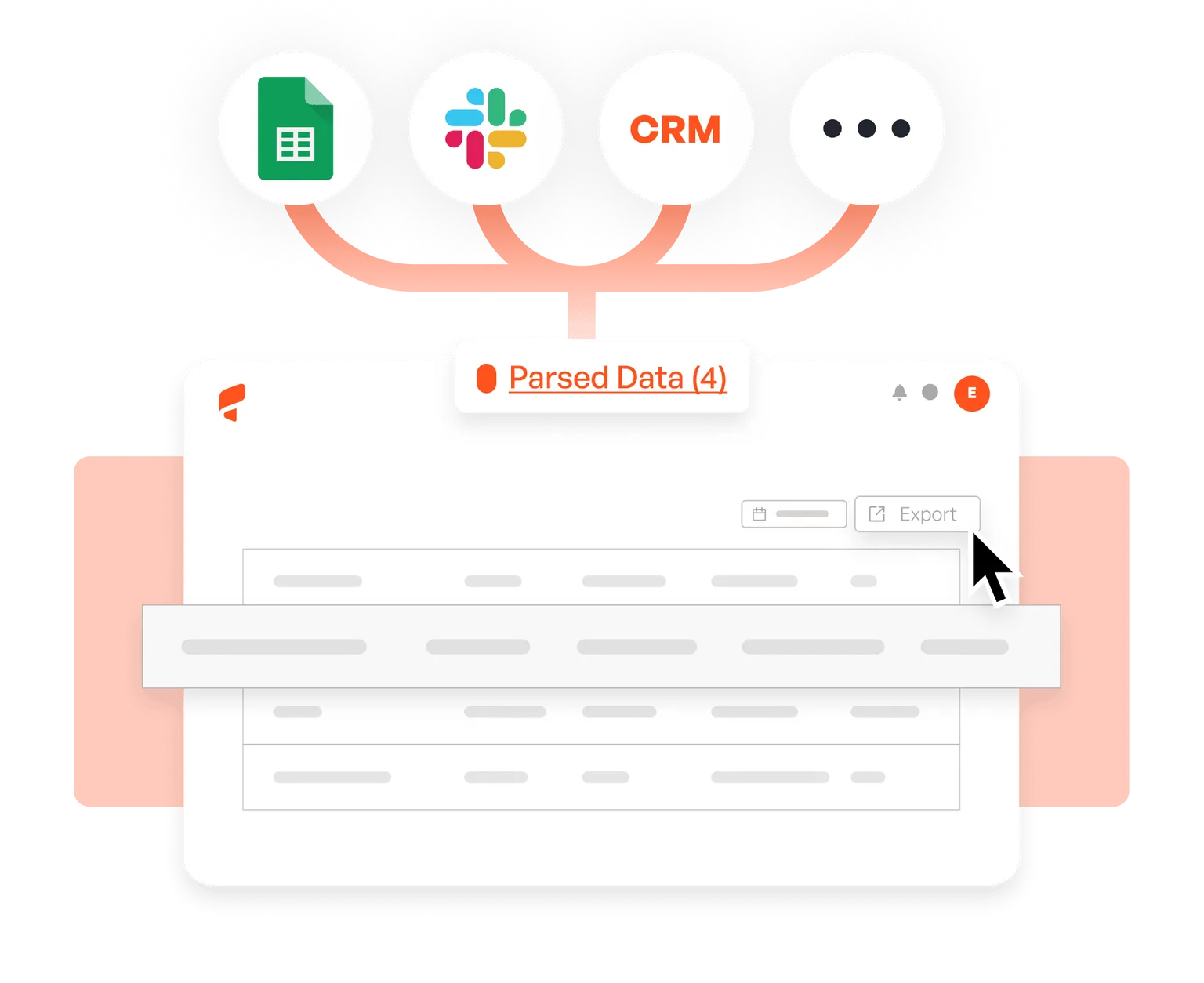
Parsio を HubSpot、Salesforce、Pipedrive、Google Sheets、Slack、6,000以上のアプリと接続し、各メール処理後すぐに新規リードを受け取れます。
お客様の声





This tool helped save me so much time! It was easy to understand right off the bat, and I didn't have to sync with anything.
Parsio ended up being the most efficient when it comes to extract handwritten data from documents.
So far I am saving a few hours of data entry each month. The more I use it the more time I am saving
This is by far the simplest way to extract data you need from similar emails and put them into google sheet.