
No-Code Setup
Highlight the fields you want to capture — Parsio handles all future emails of the same type automatically.
Full Contact Details
Capture names, emails, phone numbers, companies, and any custom field from every incoming lead email.
Multiple Email Layouts
Create templates for different email sources — Parsio automatically picks the right one for each message.
Real-Time CRM Sync
Push captured leads to HubSpot, Salesforce, Pipedrive, Google Sheets, or any platform the moment an email arrives.
Set up once, capture leads forever
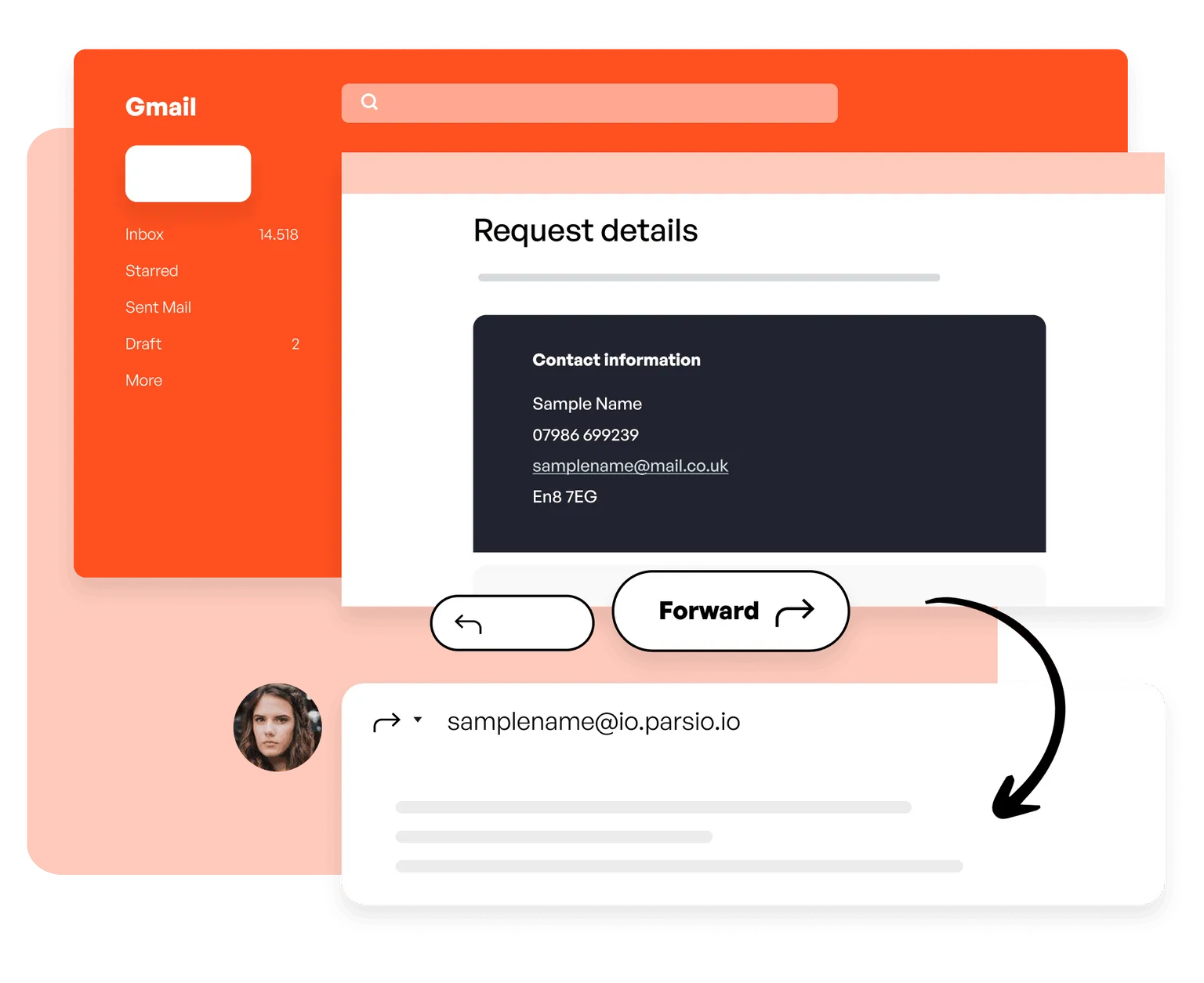
01. Forward your emails to Parsio
Forward a sample email to your Parsio mailbox, or set up auto-forwarding rules to automate the process entirely — no manual work needed going forward.
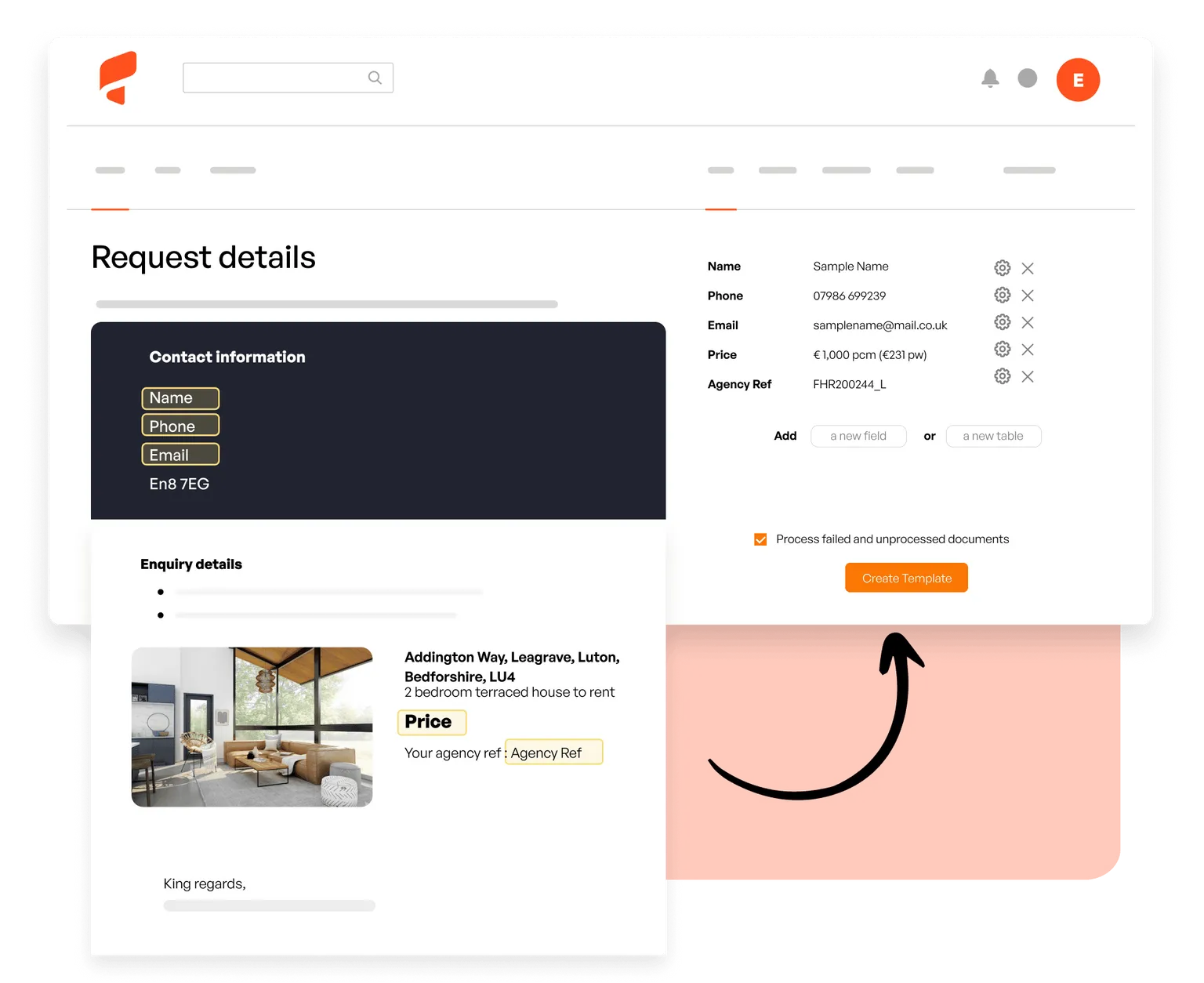
02. Define the fields to capture
Open a sample email in Parsio and highlight the lead data you want — name, email, company, phone. All future matching emails are parsed automatically.
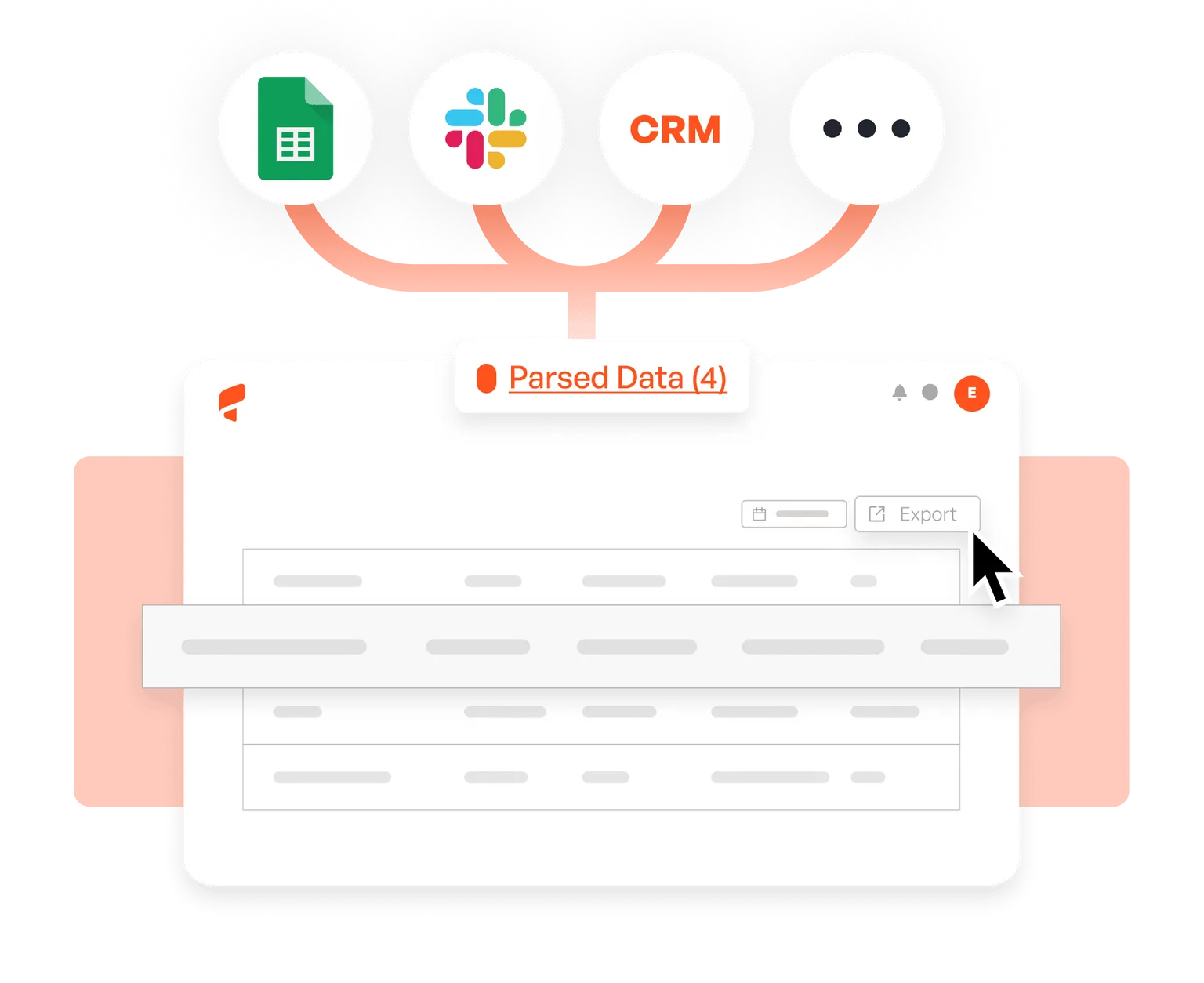
03. Send leads to your CRM
Connect Parsio to HubSpot, Salesforce, Pipedrive, Google Sheets, Slack, or any of 6,000+ apps and receive new leads the moment each email is processed.
What our customers say





This tool helped save me so much time! It was easy to understand right off the bat, and I didn't have to sync with anything.
Parsio ended up being the most efficient when it comes to extract handwritten data from documents.
So far I am saving a few hours of data entry each month. The more I use it the more time I am saving
This is by far the simplest way to extract data you need from similar emails and put them into google sheet.

Start capturing leads from emails today
Join thousands of businesses that automate their lead extraction with Parsio.