Try it now 👇
表抽出に Parsio を使う理由
PDF、画像、メール
PDF、スキャン文書、画像、HTML メール、Excel、CSV から表を抽出できます。すべてを1つのプラットフォームで処理します。
表、明細行、リスト
請求書明細、銀行取引、注文詳細、任意の繰り返しデータ構造を高精度に取得します。
どこへでもエクスポート
抽出したデータを Google Sheets、Airtable、ERP、6,000以上のアプリへ Zapier、Make、API 経由で送信します。
3つの文書タイプ、1つのプラットフォーム
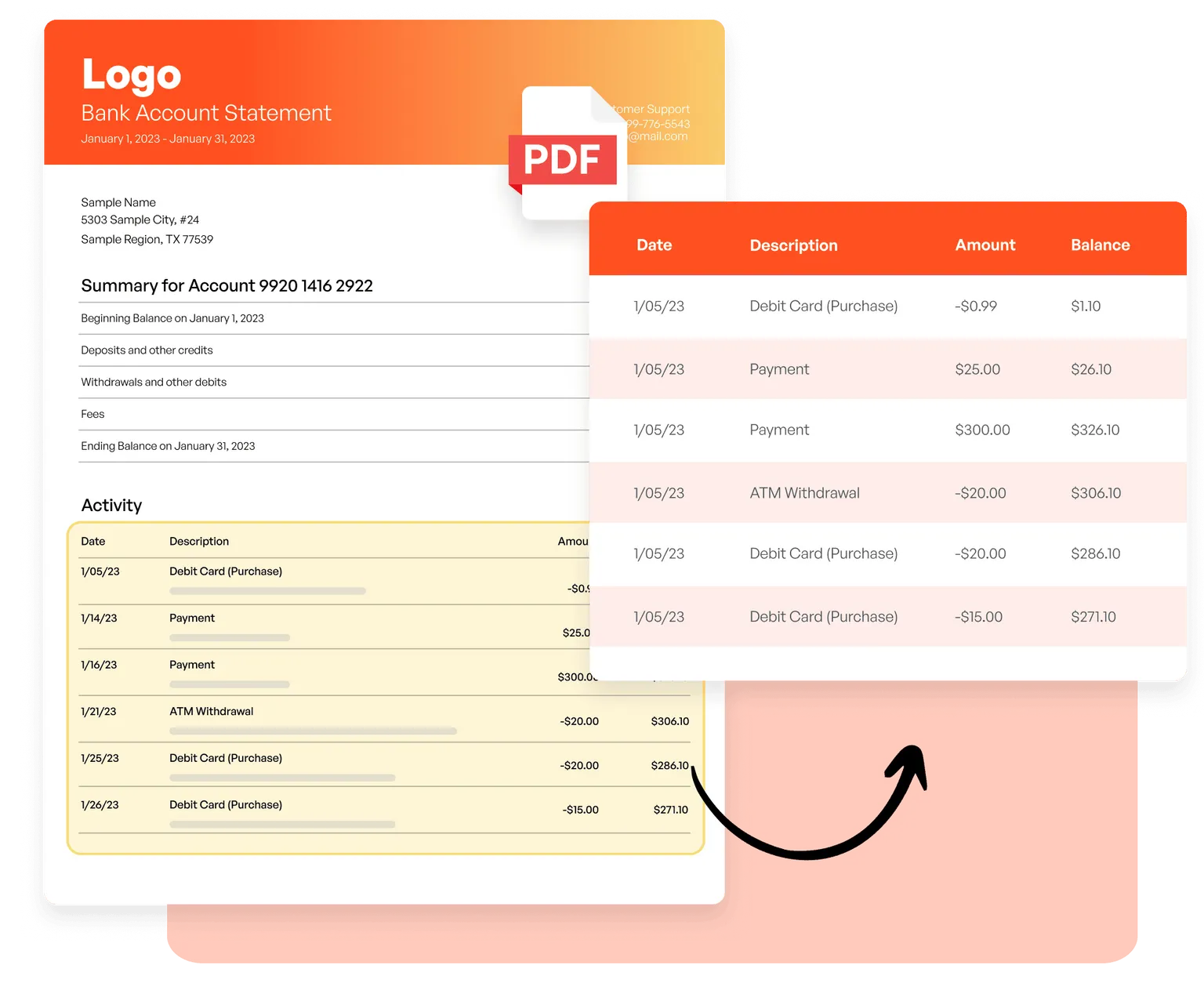
PDF と画像
AI 搭載 OCR で、請求書の明細行、銀行明細の取引詳細、スキャン文書内の表をテンプレートなしで抽出します。
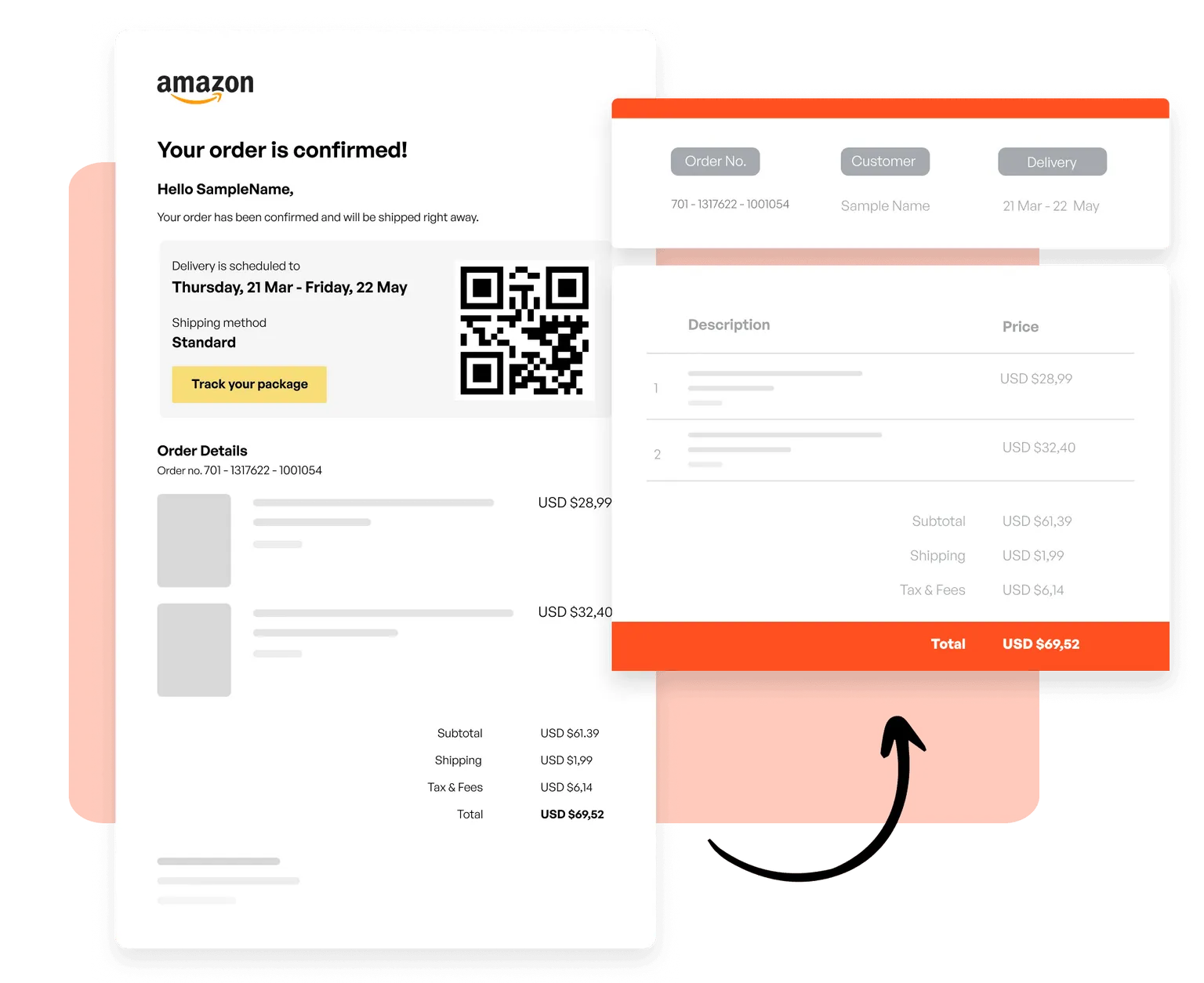
メールと HTML
取引メールの注文、ニュースレターの商品リスト、任意の HTML メール形式の構造化データを取得するテンプレートを作成できます。
CSV と Excel
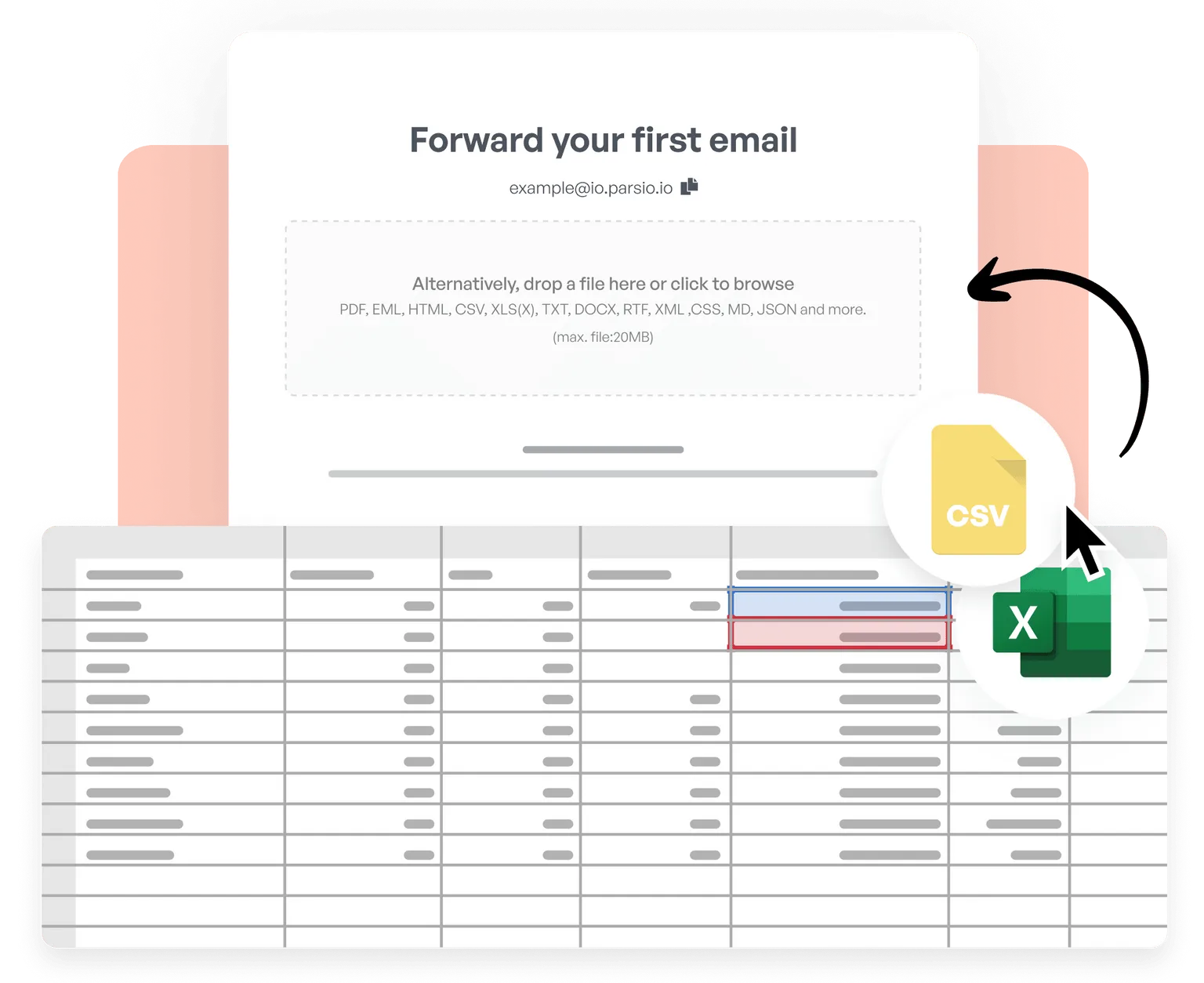
CSV と Excel ファイルをインポートし、表を結合、データをクレンジング・正規化、独自のビジネスロジックを適用して、処理済み結果を 6,000以上のアプリへリアルタイム送信します。
Trusted by 3,000+ businesses worldwide
This is by far the simplest way to extract data you need from similar emails and put them into google sheet.
Parsio flows. From the very first moment you feel you are using a software that is well built and easy to understand and use. I have no technical skills and some other softwares make me feel overwhelmed. But that does not happen with Parsio.
I had to manually fill in a lot of details to create reports from data that existed in emails and apps. Parsio works great to get those details automatically from them to Google sheets. And helps me save a lot of time.
Parsio ended up being the most efficient when it comes to extract handwritten data from documents.