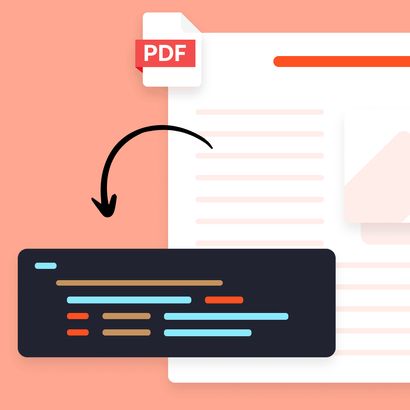
No-code 设置
高亮您想捕获的字段,Parsio 会自动处理未来所有同类型邮件。
完整联系信息
从每封传入线索邮件中捕获姓名、邮箱、电话号码、公司和任何自定义字段。
多种邮件版式
为不同邮件来源创建模板,Parsio 会自动为每封邮件选择正确模板。
实时 CRM 同步
邮件到达后立即将捕获的线索推送到 HubSpot、Salesforce、Pipedrive、Google Sheets 或任何平台。
设置一次,永久捕获线索
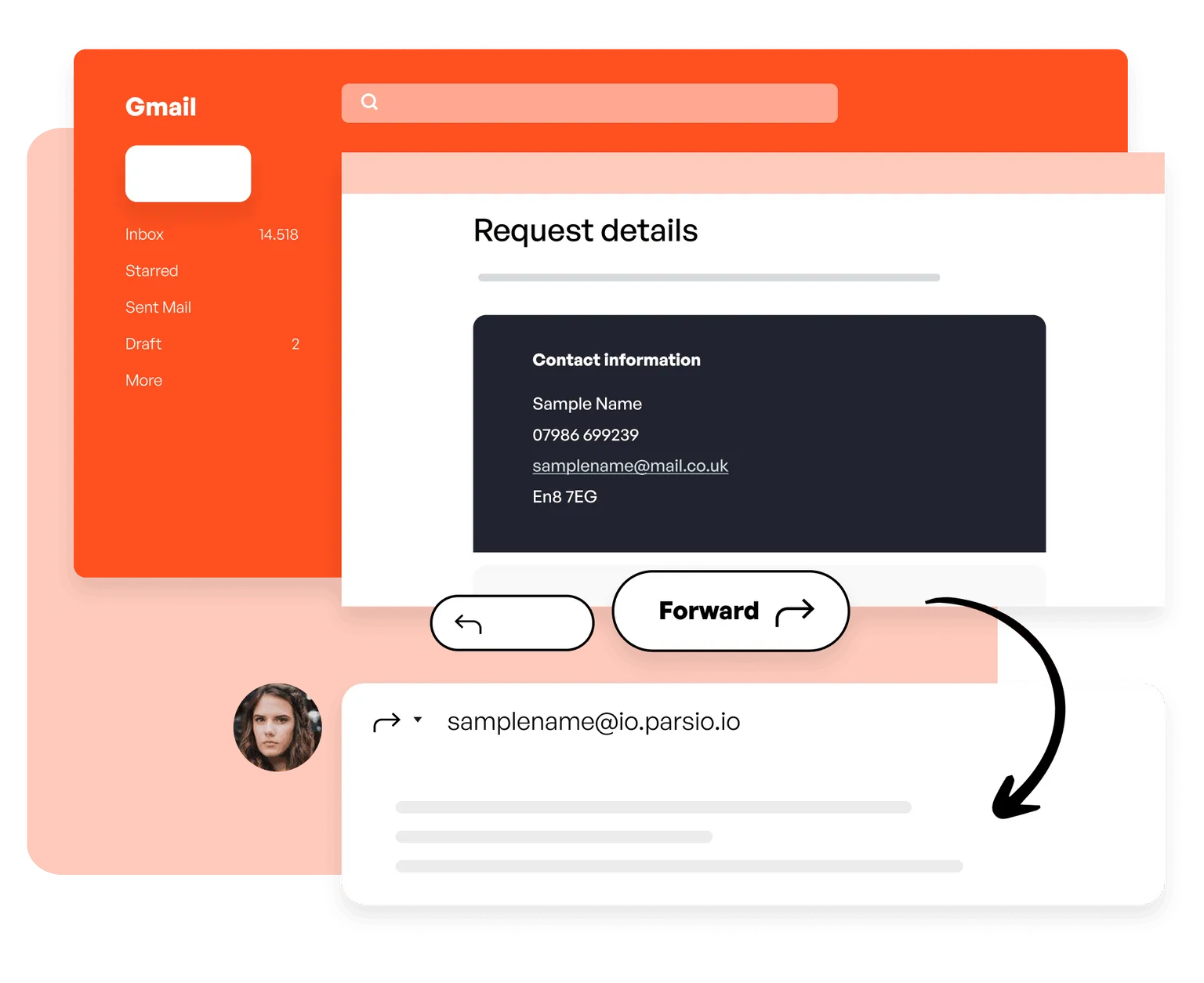
01. 将邮件转发到 Parsio
将示例邮件转发到您的 Parsio mailbox,或设置自动转发规则来完全自动化流程,之后无需手动操作。
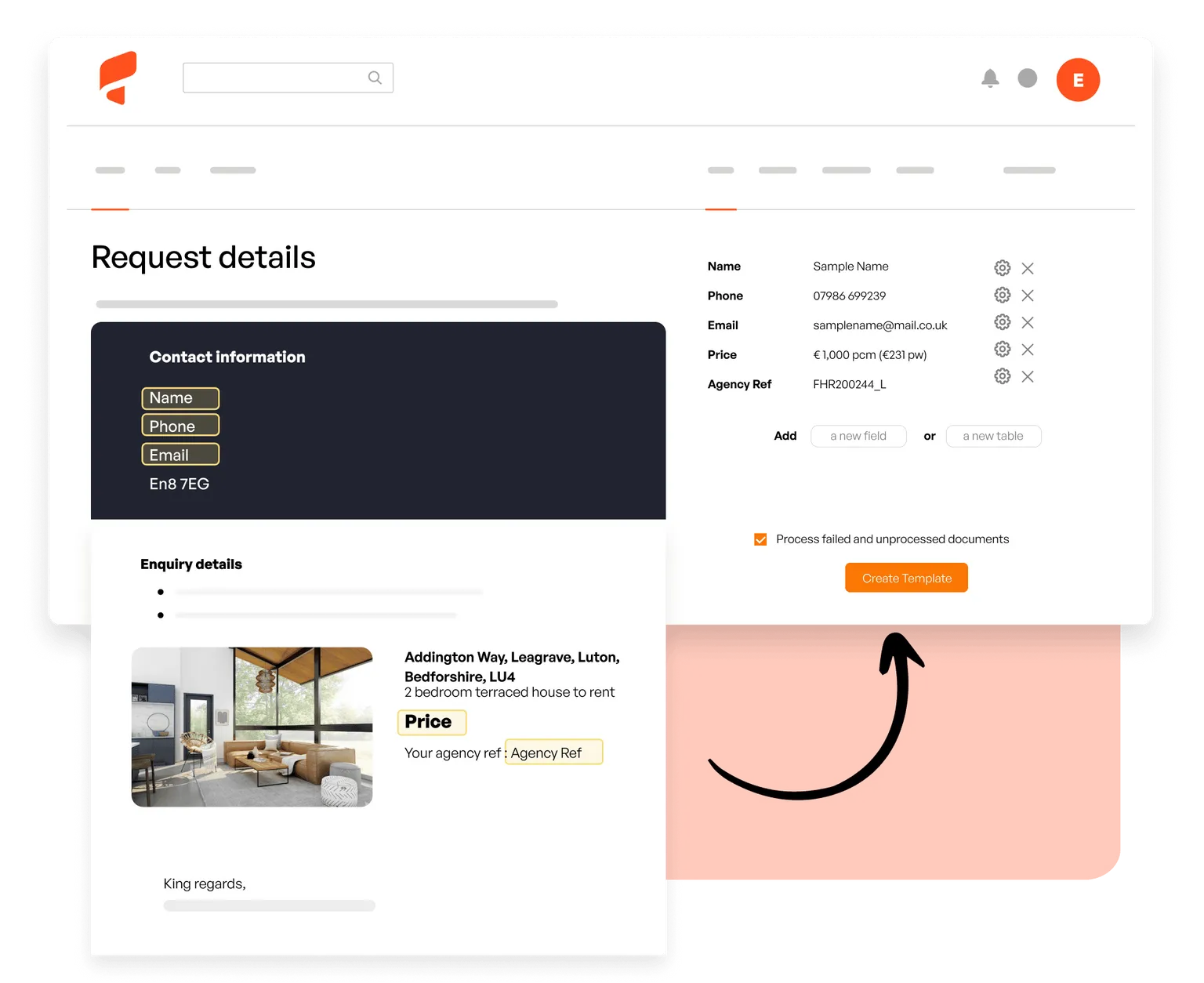
02. 定义要捕获的字段
在 Parsio 中打开示例邮件并高亮您想要的线索数据:姓名、邮箱、公司、电话。未来所有匹配邮件都会自动解析。
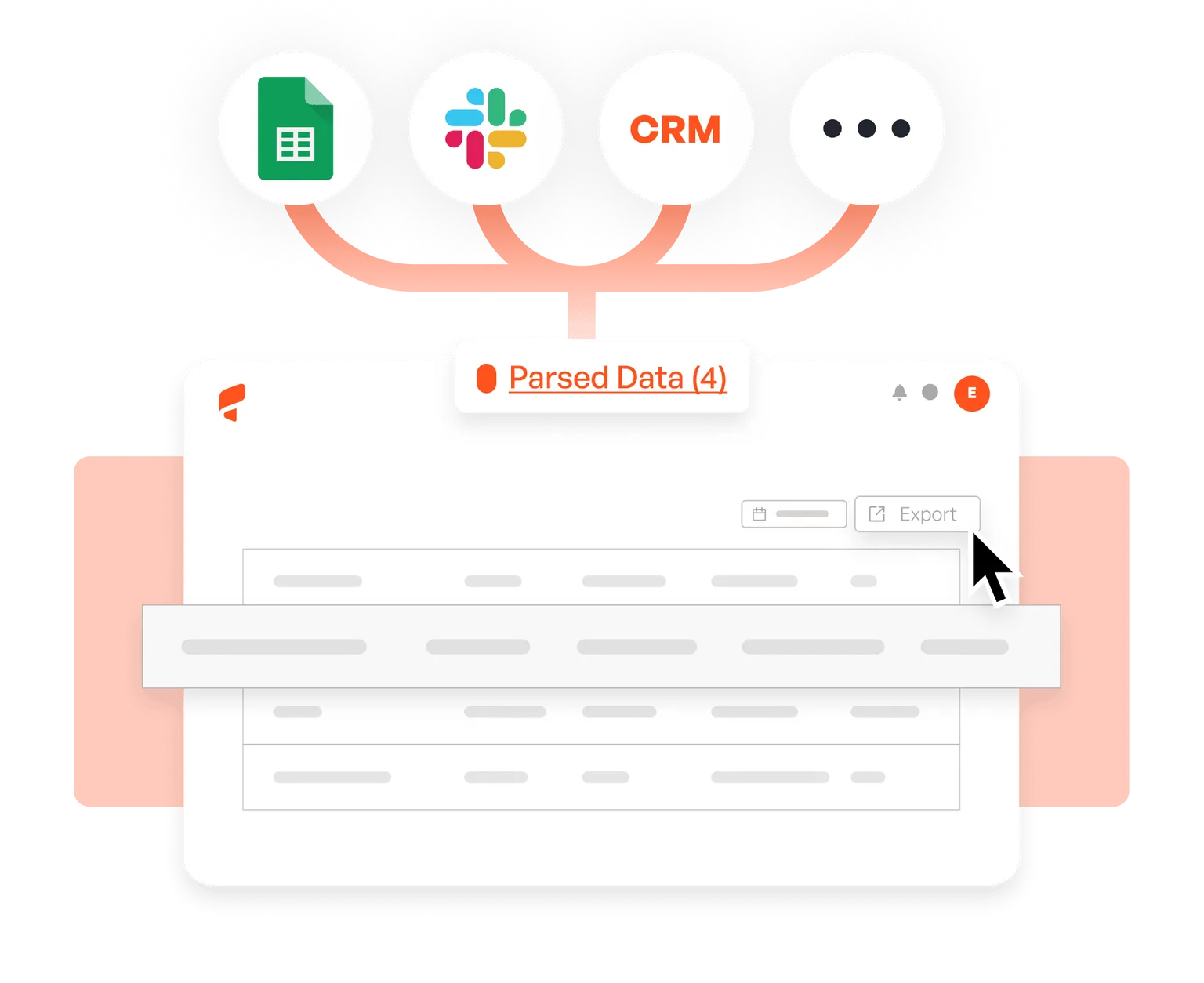
03. 将线索发送到 CRM
将 Parsio 连接到 HubSpot、Salesforce、Pipedrive、Google Sheets、Slack 或 6,000+ 个应用中的任意一个,每封邮件处理完成后立即收到新线索。
客户怎么说





This tool helped save me so much time! It was easy to understand right off the bat, and I didn't have to sync with anything.
Parsio ended up being the most efficient when it comes to extract handwritten data from documents.
So far I am saving a few hours of data entry each month. The more I use it the more time I am saving
This is by far the simplest way to extract data you need from similar emails and put them into google sheet.