
Try it now 👇
Perche usare Parsio per l'estrazione tabelle?
PDF, immagini ed email
Estrai tabelle da PDF, documenti scansionati, immagini, email HTML, file Excel e CSV — tutto in un'unica piattaforma.
Tabelle, righe articolo e liste
Cattura righe fattura, transazioni bancarie, dettagli ordine e qualsiasi struttura dati ripetitiva con alta precisione.
Esporta ovunque
Invia i dati estratti a Google Sheets, Airtable, il tuo ERP o oltre 6.000 altre app tramite Zapier, Make e API.
Tre tipi di documento, una piattaforma
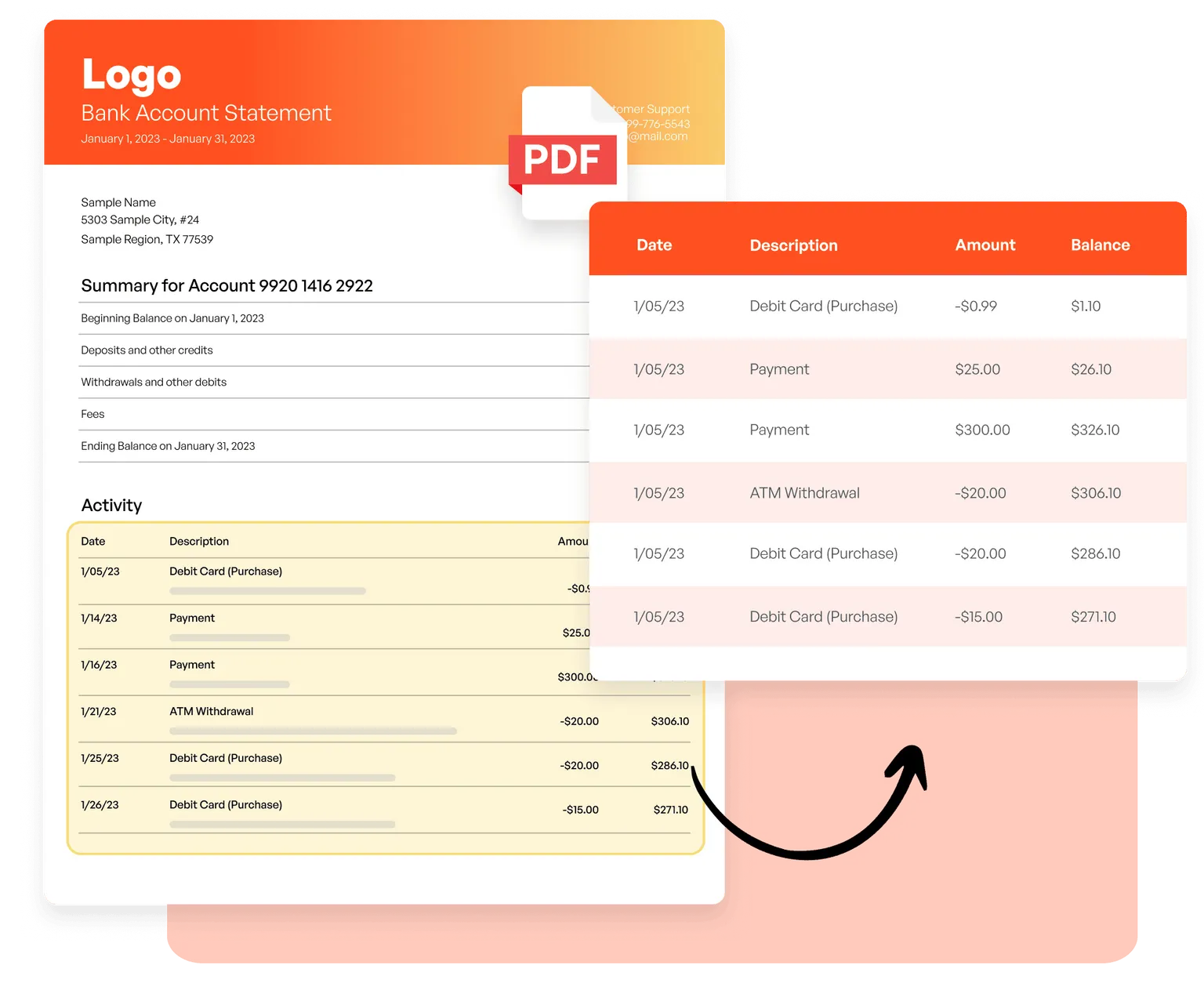
PDF e immagini
Estrai righe articolo da fatture, dettagli transazione da estratti conto e tabelle da documenti scansionati usando OCR basato su AI — senza template.
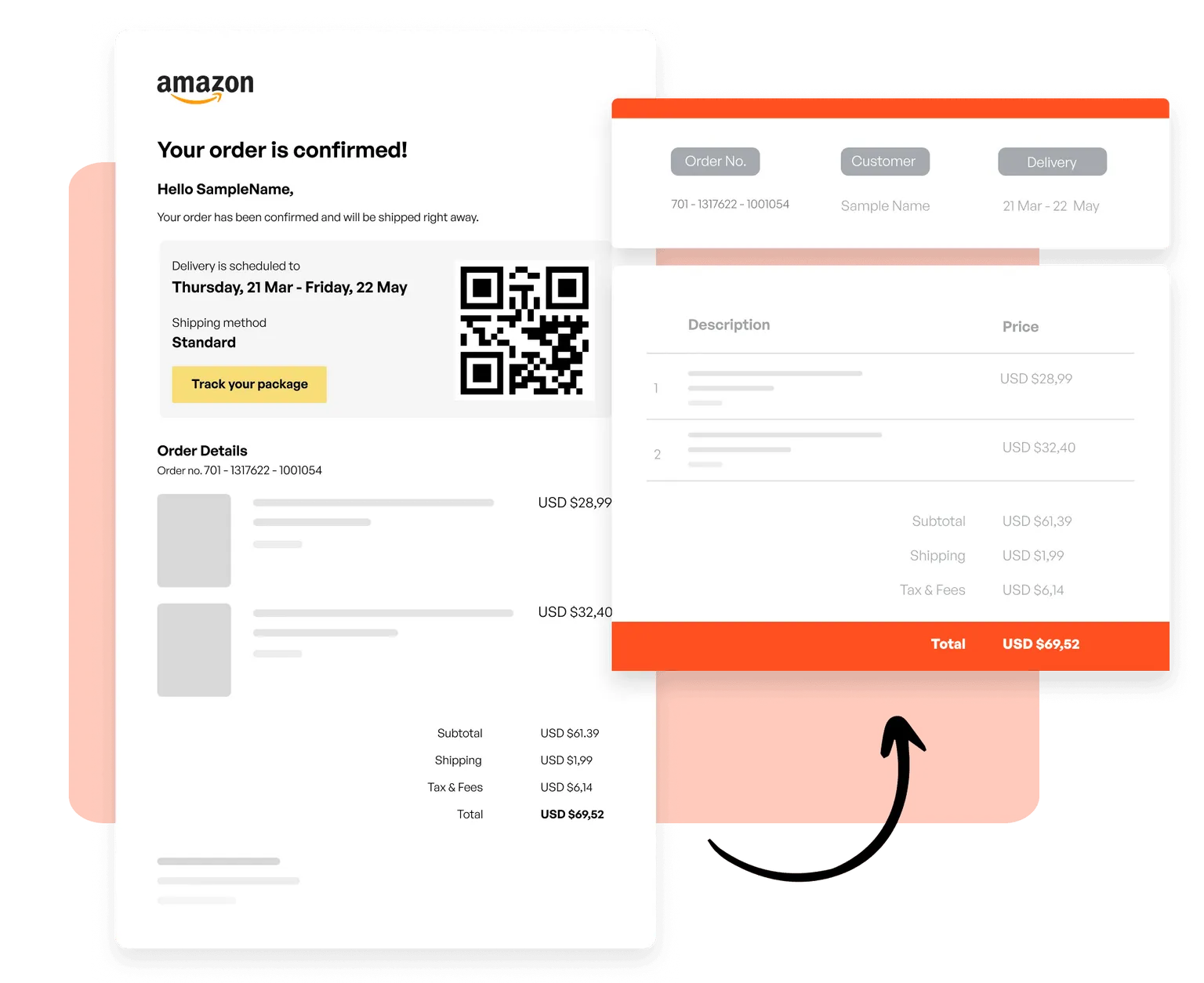
Email e HTML
Crea template per catturare ordini da email transazionali, liste prodotto da newsletter e dati strutturati da qualsiasi formato email basato su HTML.
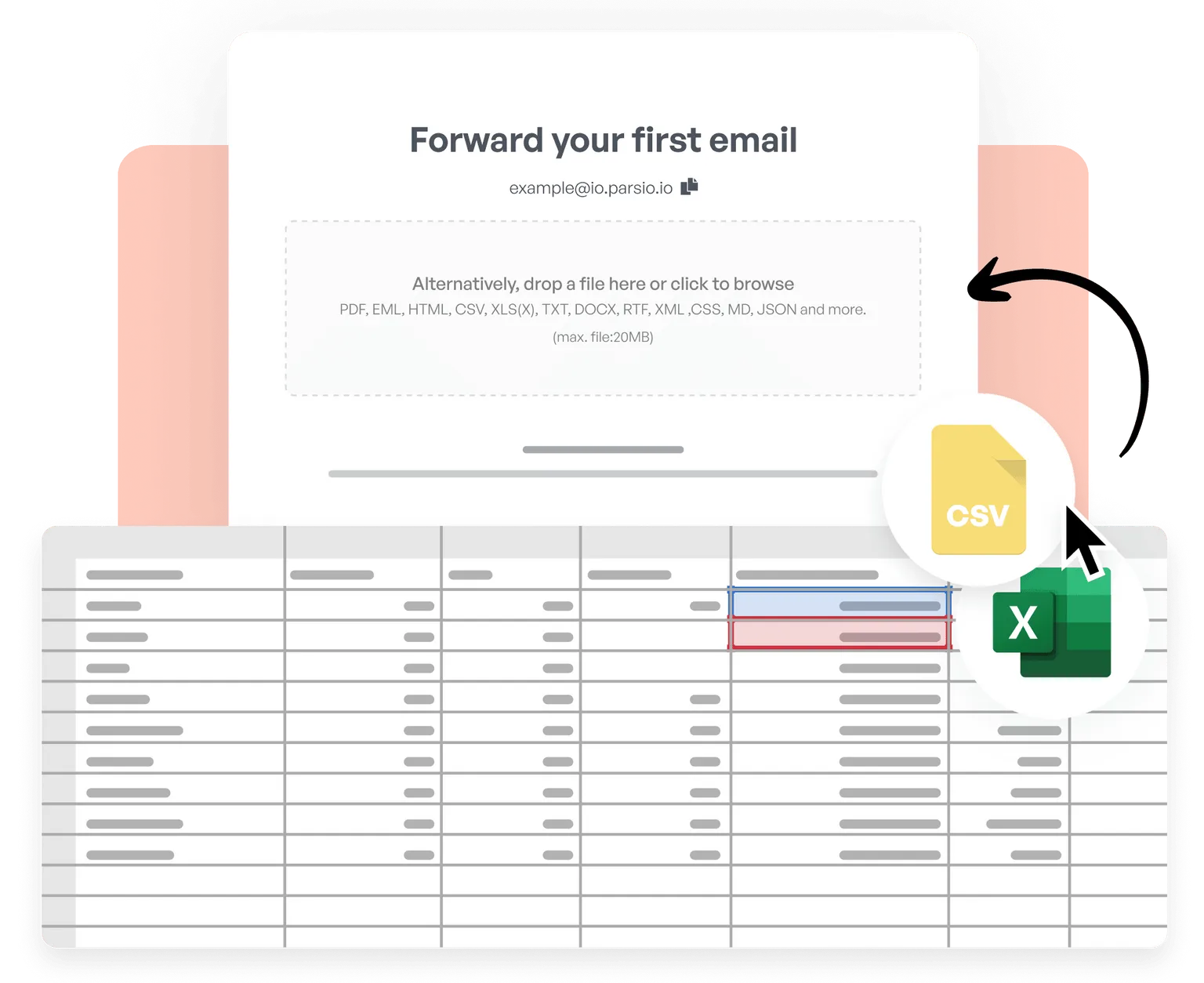
CSV ed Excel
Importa file CSV ed Excel, unisci tabelle, pulisci e normalizza dati, applica logica di business personalizzata ed esporta i risultati elaborati verso oltre 6.000 app in tempo reale.
Trusted by 3,000+ businesses worldwide
This is by far the simplest way to extract data you need from similar emails and put them into google sheet.
Parsio flows. From the very first moment you feel you are using a software that is well built and easy to understand and use. I have no technical skills and some other softwares make me feel overwhelmed. But that does not happen with Parsio.
I had to manually fill in a lot of details to create reports from data that existed in emails and apps. Parsio works great to get those details automatically from them to Google sheets. And helps me save a lot of time.
Parsio ended up being the most efficient when it comes to extract handwritten data from documents.

Inizia a estrarre tabelle automaticamente
Unisciti a migliaia di aziende che risparmiano ore ogni settimana automatizzando l'estrazione dati con Parsio.