
Try it now 👇
Waarom Parsio gebruiken voor tabelextractie?
PDF's, afbeeldingen en e-mails
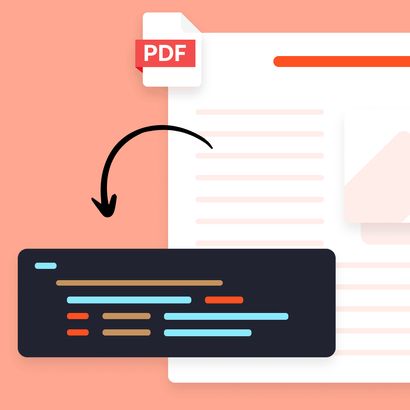
Extraheer tabellen uit PDF's, gescande documenten, afbeeldingen, HTML-e-mails, Excel- en CSV-bestanden — alles op een platform.
Tabellen, regelitems en lijsten
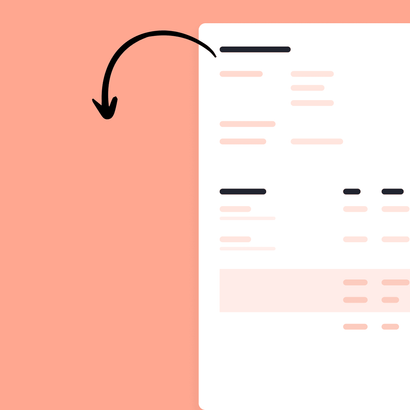
Leg factuurregels, banktransacties, orderdetails en elke herhalende gegevensstructuur met hoge nauwkeurigheid vast.
Exporteer overal heen
Stuur geextraheerde gegevens naar Google Sheets, Airtable, uw ERP of meer dan 6.000 andere apps via Zapier, Make en de API.
Drie documenttypen, een platform
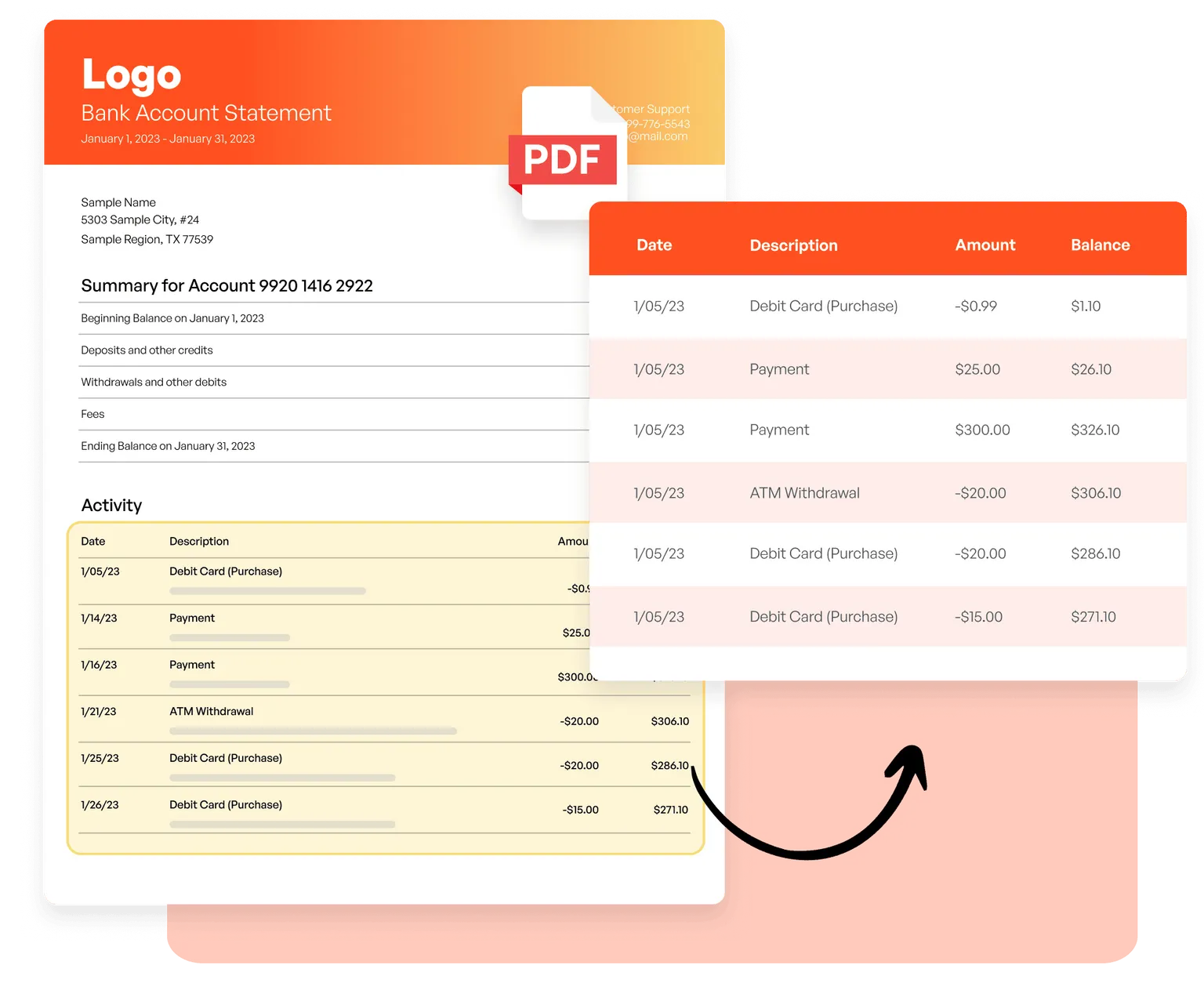
PDF's en afbeeldingen
Extraheer factuurregels, transactiedetails uit bankafschriften en tabellen uit gescande documenten met AI-gestuurde OCR — zonder templates.
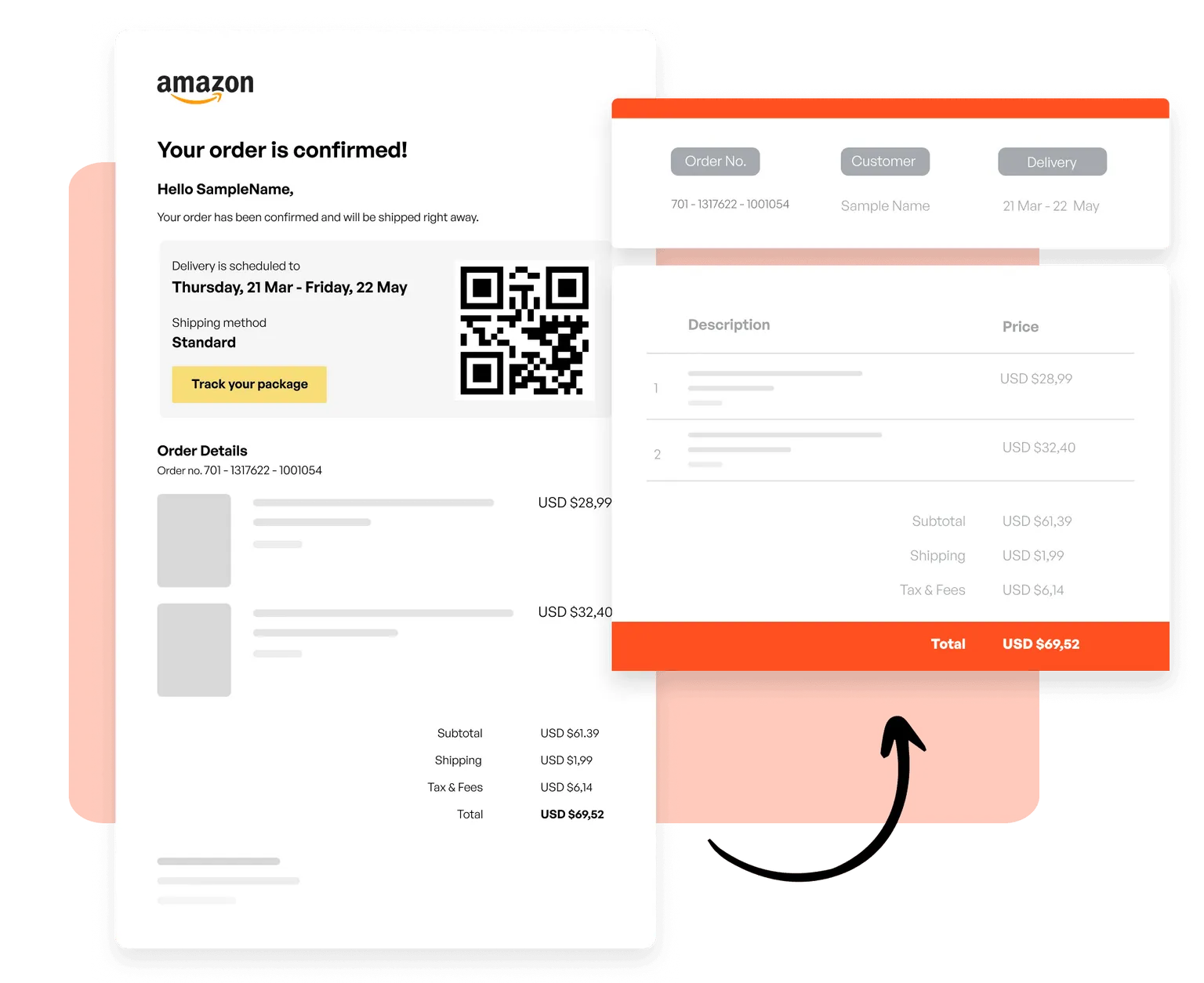
E-mails en HTML
Maak templates om orders uit transactionele e-mails, productlijsten uit nieuwsbrieven en gestructureerde gegevens uit elk HTML-gebaseerd e-mailformaat vast te leggen.
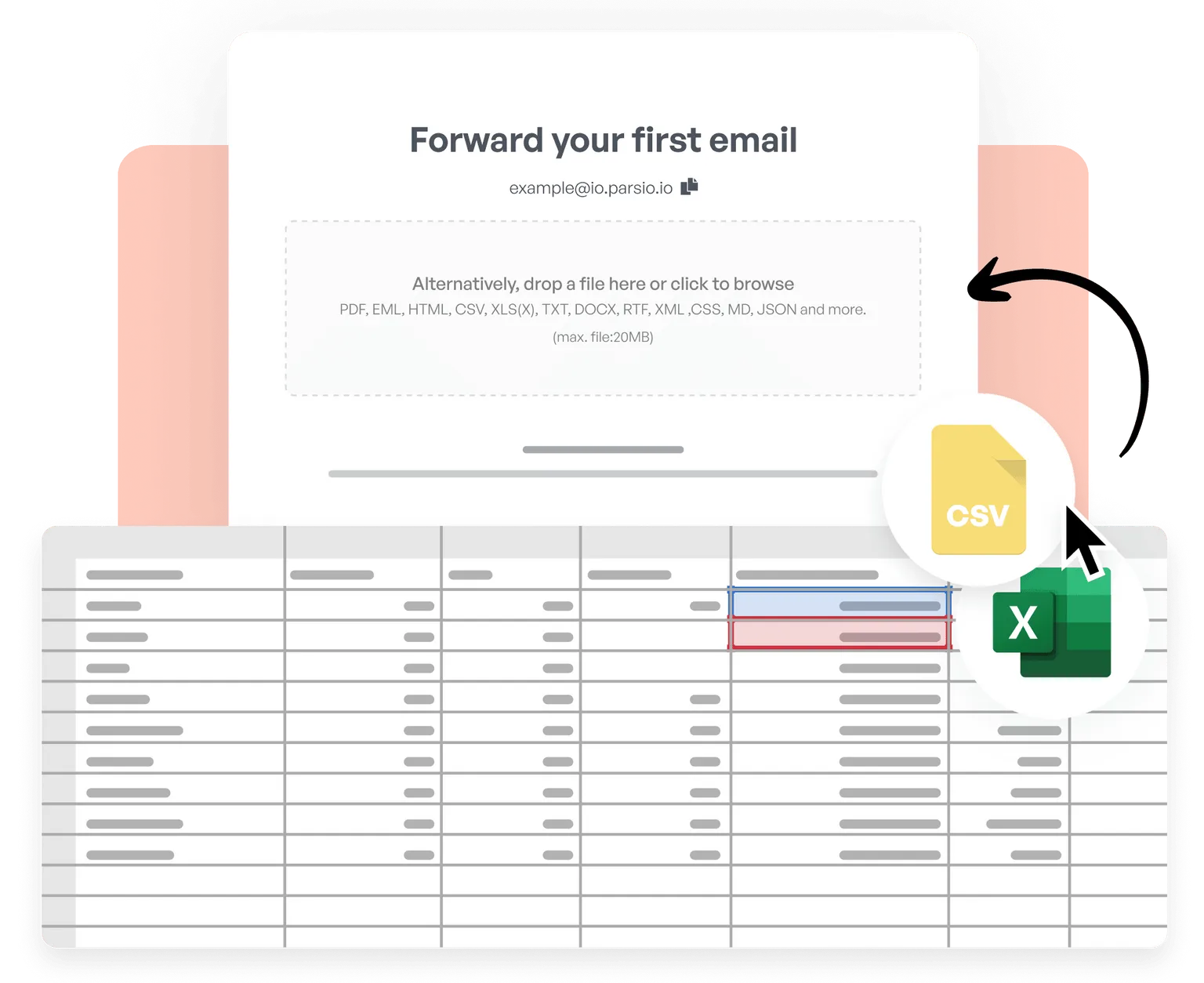
CSV en Excel
Importeer CSV- en Excel-bestanden, voeg tabellen samen, schoon gegevens op en normaliseer ze, pas aangepaste bedrijfslogica toe en exporteer verwerkte resultaten realtime naar meer dan 6.000 apps.
Trusted by 3,000+ businesses worldwide
This is by far the simplest way to extract data you need from similar emails and put them into google sheet.
Parsio flows. From the very first moment you feel you are using a software that is well built and easy to understand and use. I have no technical skills and some other softwares make me feel overwhelmed. But that does not happen with Parsio.
I had to manually fill in a lot of details to create reports from data that existed in emails and apps. Parsio works great to get those details automatically from them to Google sheets. And helps me save a lot of time.
Parsio ended up being the most efficient when it comes to extract handwritten data from documents.
Begin automatisch tabellen te extraheren
Sluit u aan bij duizenden bedrijven die elke week uren besparen door gegevensextractie met Parsio te automatiseren.