Try it now 👇
为什么用 Parsio 提取表格?
PDF、图像和邮件
在一个平台中从 PDF、扫描文档、图像、HTML 邮件、Excel 和 CSV 文件中提取表格。
表格、明细项和列表
高准确率捕获发票明细、银行交易、订单详情以及任何重复数据结构。
导出到任何地方
通过 Zapier、Make 和 API,将提取的数据发送到 Google Sheets、Airtable、ERP 或 6,000+ 个其他应用。
三种文档类型,一个平台
PDF 和图像
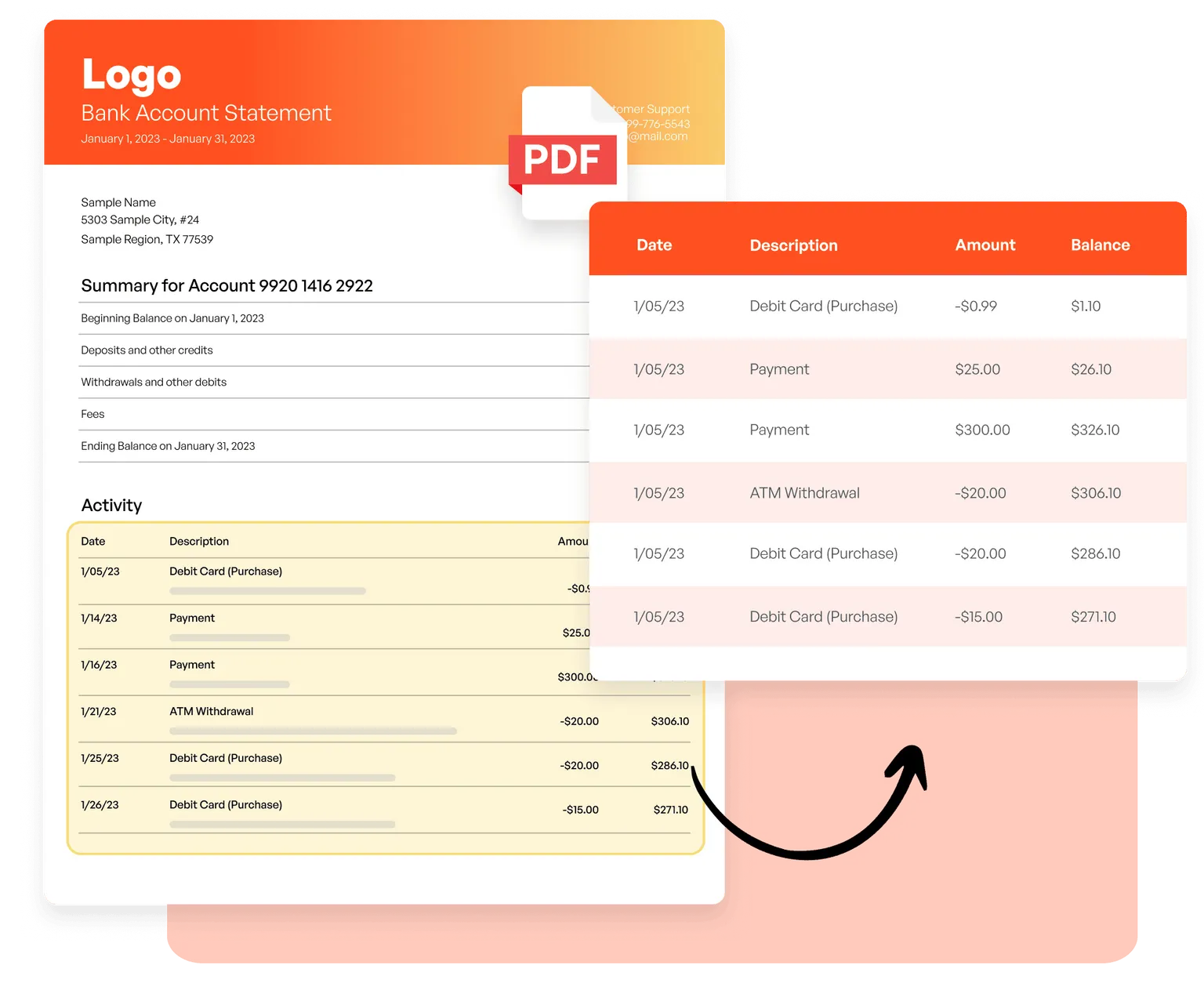
使用 AI 驱动的 OCR 从发票中提取明细项、从银行对账单中提取交易详情、从扫描文档中提取表格,无需模板。
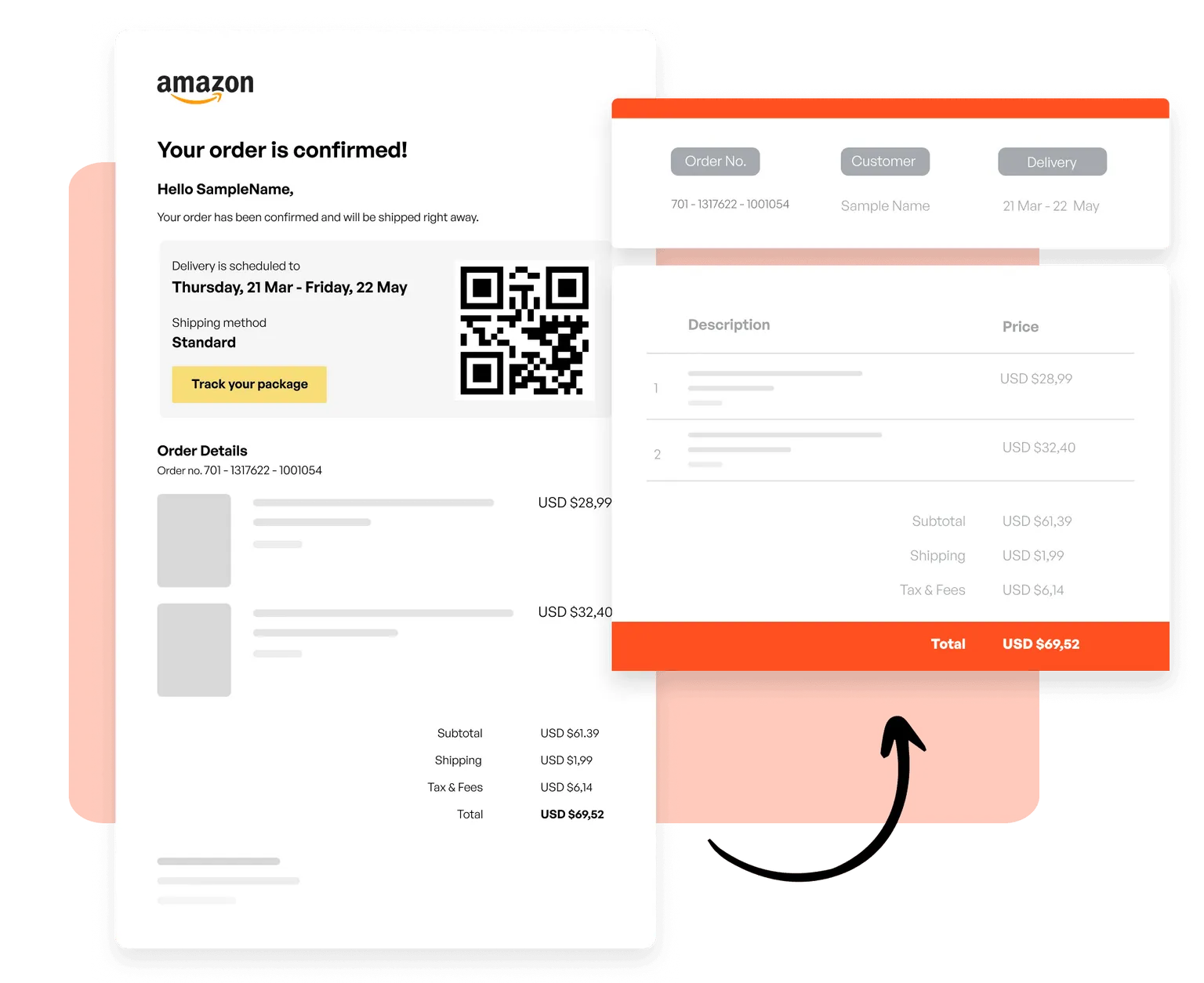
邮件和 HTML
创建模板,从交易邮件中捕获订单、从 newsletters 中捕获产品列表,并从任何基于 HTML 的邮件格式中提取结构化数据。
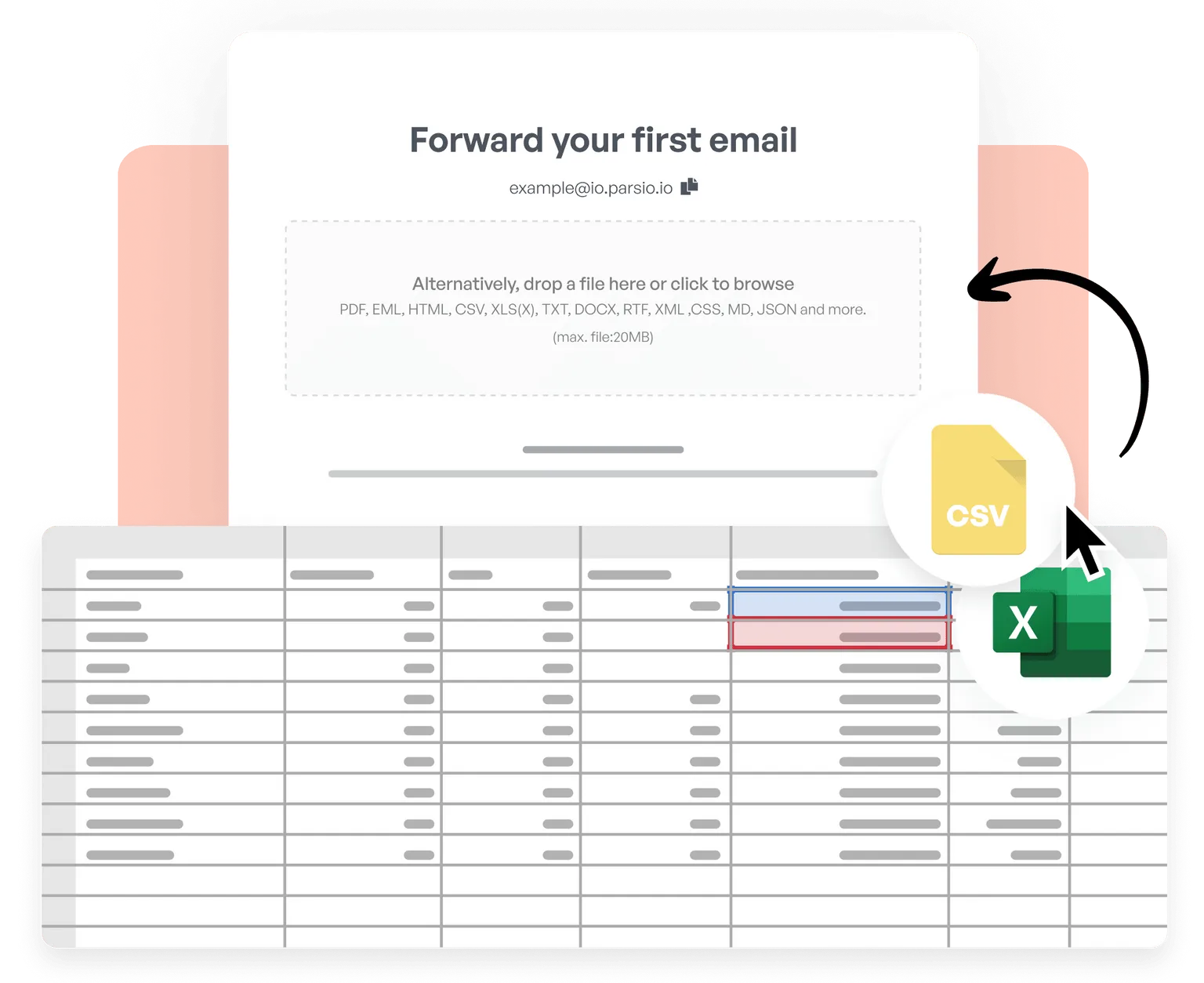
CSV 和 Excel
导入 CSV 和 Excel 文件,合并表格,清理并标准化数据,应用自定义业务逻辑,并将处理结果实时导出到 6,000+ 个应用。
Trusted by 3,000+ businesses worldwide
This is by far the simplest way to extract data you need from similar emails and put them into google sheet.
Parsio flows. From the very first moment you feel you are using a software that is well built and easy to understand and use. I have no technical skills and some other softwares make me feel overwhelmed. But that does not happen with Parsio.
I had to manually fill in a lot of details to create reports from data that existed in emails and apps. Parsio works great to get those details automatically from them to Google sheets. And helps me save a lot of time.
Parsio ended up being the most efficient when it comes to extract handwritten data from documents.