
Try it now 👇
왜 Parsio로 테이블을 추출해야 할까요?
PDF, 이미지, 이메일
PDF, 스캔한 문서, 이미지, HTML 이메일, Excel, CSV 파일에서 테이블을 추출하세요 — 하나의 플랫폼에서 모두 처리합니다.
테이블, 세부 항목 및 목록
인보이스 세부 항목, 은행 거래 내역, 주문 정보 등 반복되는 데이터 구조를 높은 정확도로 캡처하세요.
어디로든 내보내기
추출한 데이터를 Google Sheets, Airtable, ERP 또는 Zapier, Make, API를 통해 6,000개 이상의 다른 앱으로 전송하세요.
세 가지 문서 유형, 하나의 플랫폼
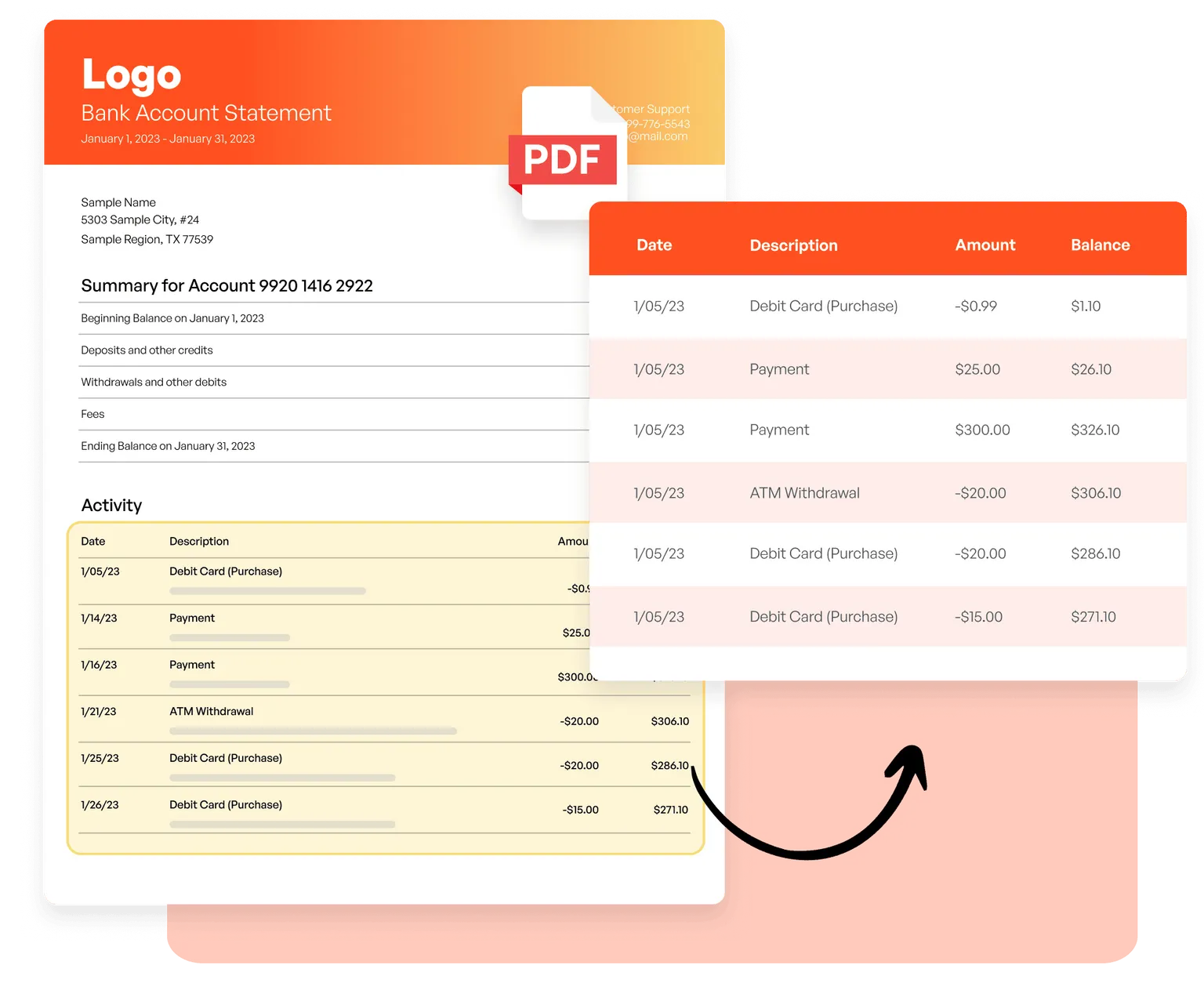
PDF와 이미지
AI 기반 OCR을 사용해 인보이스에서 세부 항목을, 은행 명세서에서 거래 정보를, 스캔한 문서에서 테이블을 추출하세요 — 템플릿이 필요 없습니다.
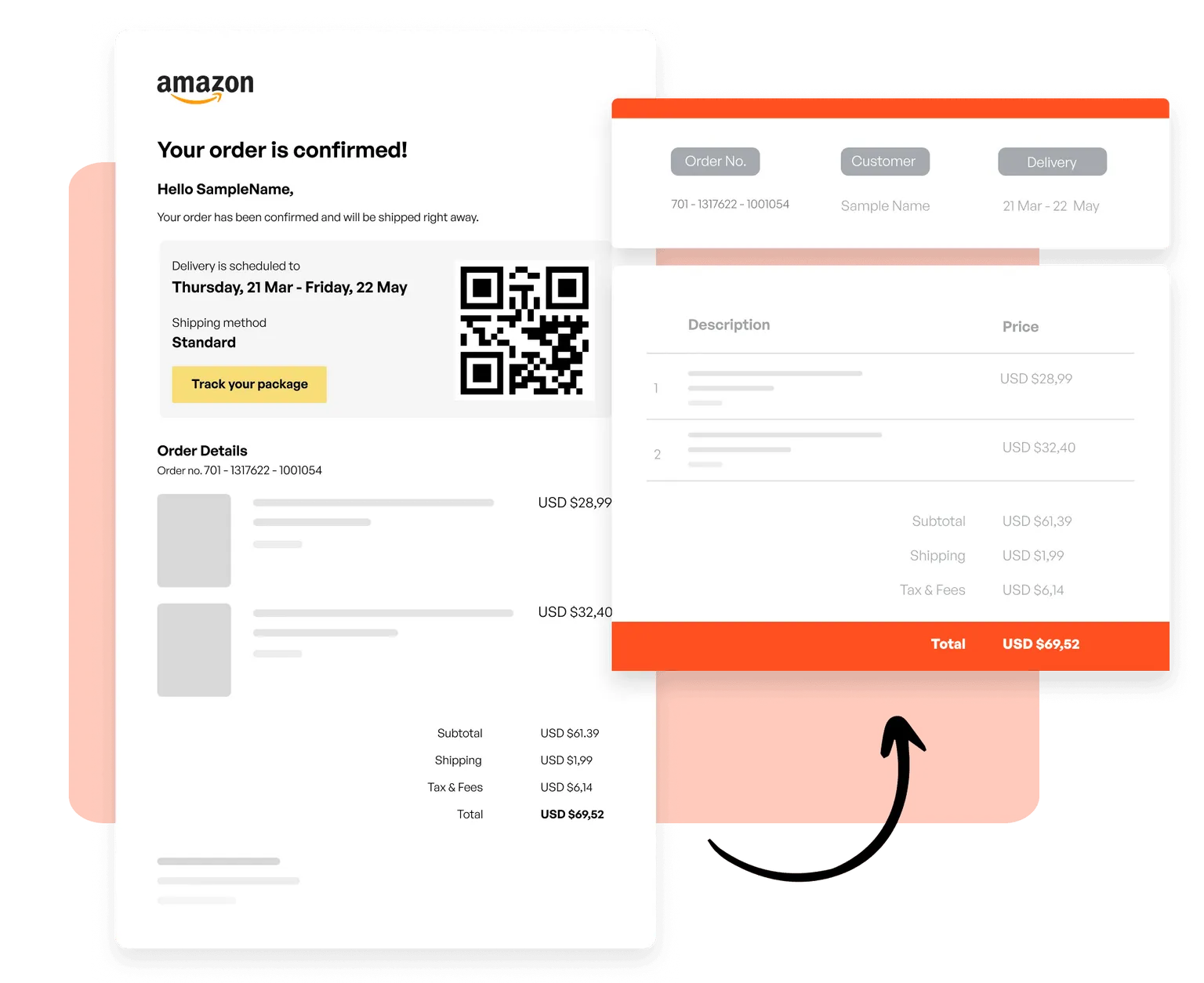
이메일과 HTML
템플릿을 만들어 거래 이메일에서 주문 정보를, 뉴스레터에서 제품 목록을, 모든 HTML 기반 이메일 형식에서 구조화된 데이터를 캡처하세요.
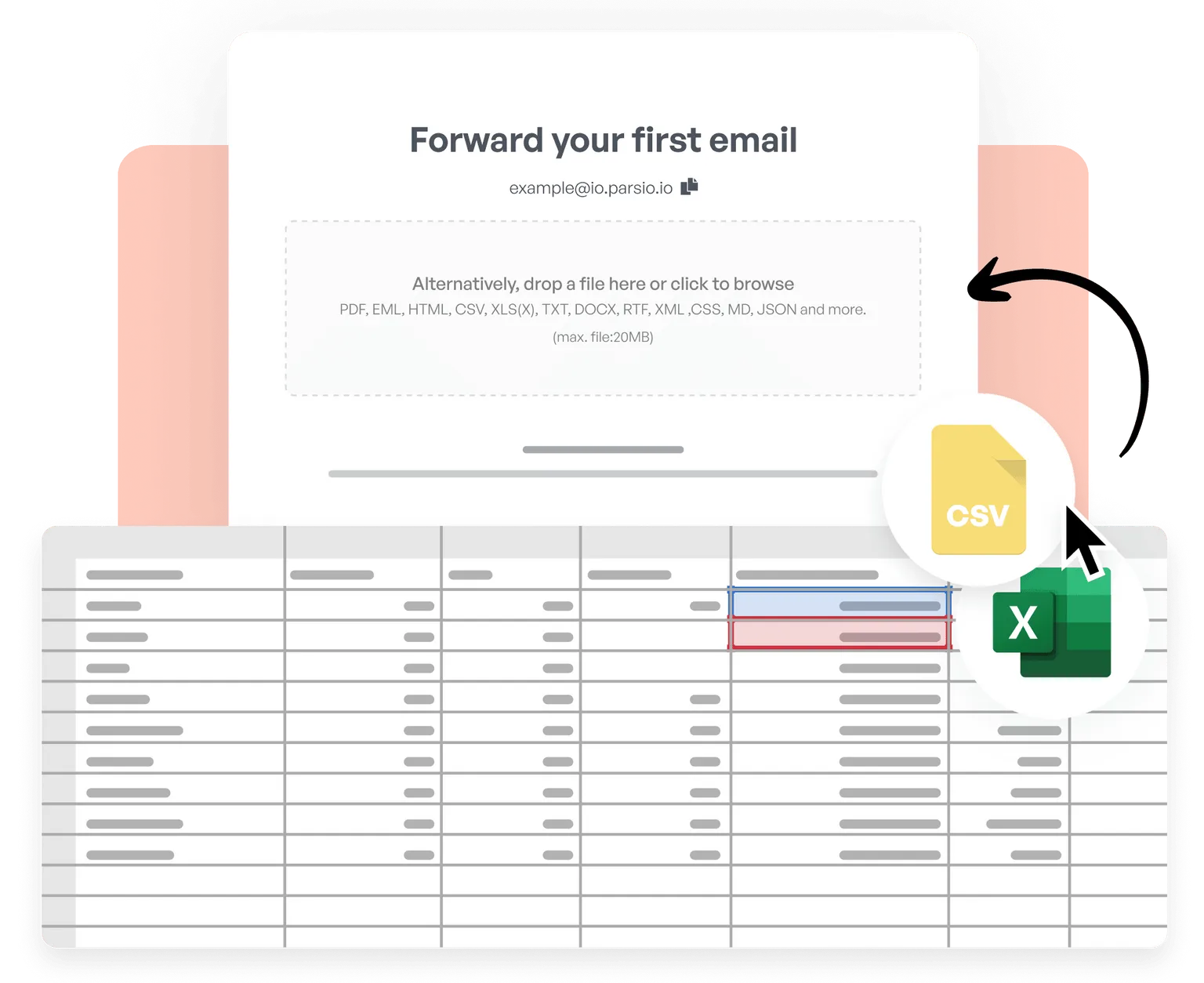
CSV와 Excel
CSV와 Excel 파일을 가져와 테이블을 병합하고, 데이터를 정리 및 정규화하고, 맞춤 비즈니스 로직을 적용한 후 처리된 결과를 실시간으로 6,000개 이상의 앱으로 내보내세요.
Trusted by 3,000+ businesses worldwide
This is by far the simplest way to extract data you need from similar emails and put them into google sheet.
Parsio flows. From the very first moment you feel you are using a software that is well built and easy to understand and use. I have no technical skills and some other softwares make me feel overwhelmed. But that does not happen with Parsio.
I had to manually fill in a lot of details to create reports from data that existed in emails and apps. Parsio works great to get those details automatically from them to Google sheets. And helps me save a lot of time.
Parsio ended up being the most efficient when it comes to extract handwritten data from documents.

지금 바로 테이블 자동 추출을 시작하세요
매주 몇 시간을 절약하는 수천 개의 기업과 함께 Parsio로 데이터 추출을 자동화하세요.