
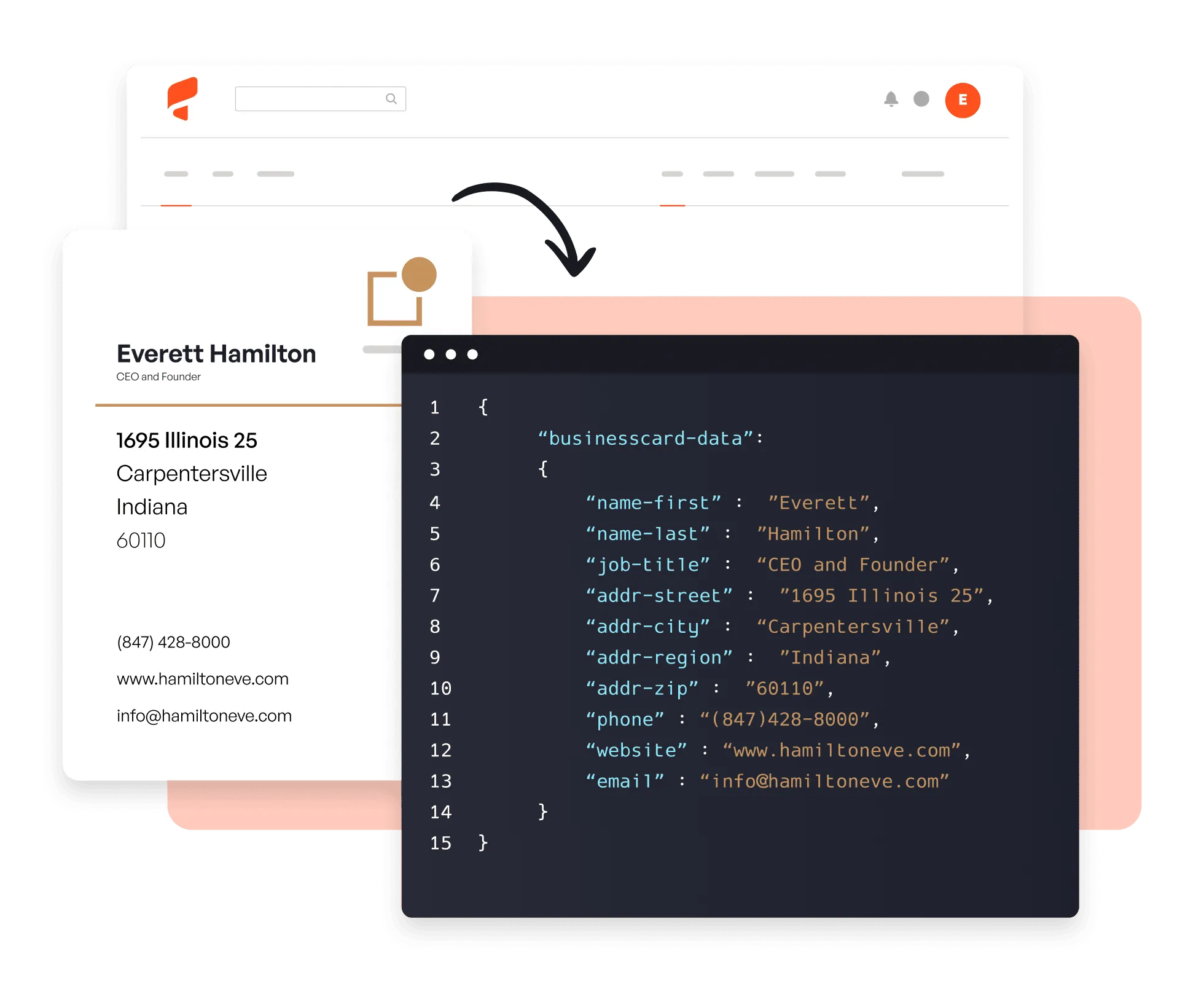
Try it now 👇
为什么用 Parsio 扫描名片?
即时、准确提取
Parsio 基于数百万张名片预训练,可在几秒内捕获所有联系人字段,无需模板或手动字段映射。
任何格式、任何语言
处理多种语言和版式的打印及手写名片:扫描 PDF、照片或邮件附件。
导出到您的 CRM
实时将捕获的联系人推送到 HubSpot、Salesforce、Pipedrive、Google Sheets 或 6,000+ 个应用中的任意一个。
3 步从名片到联系人
01. 导入您的名片
手动上传扫描 PDF 或照片,将它们作为邮件附件转发,或通过 API 和 Zapier、Make 等自动化平台导入。
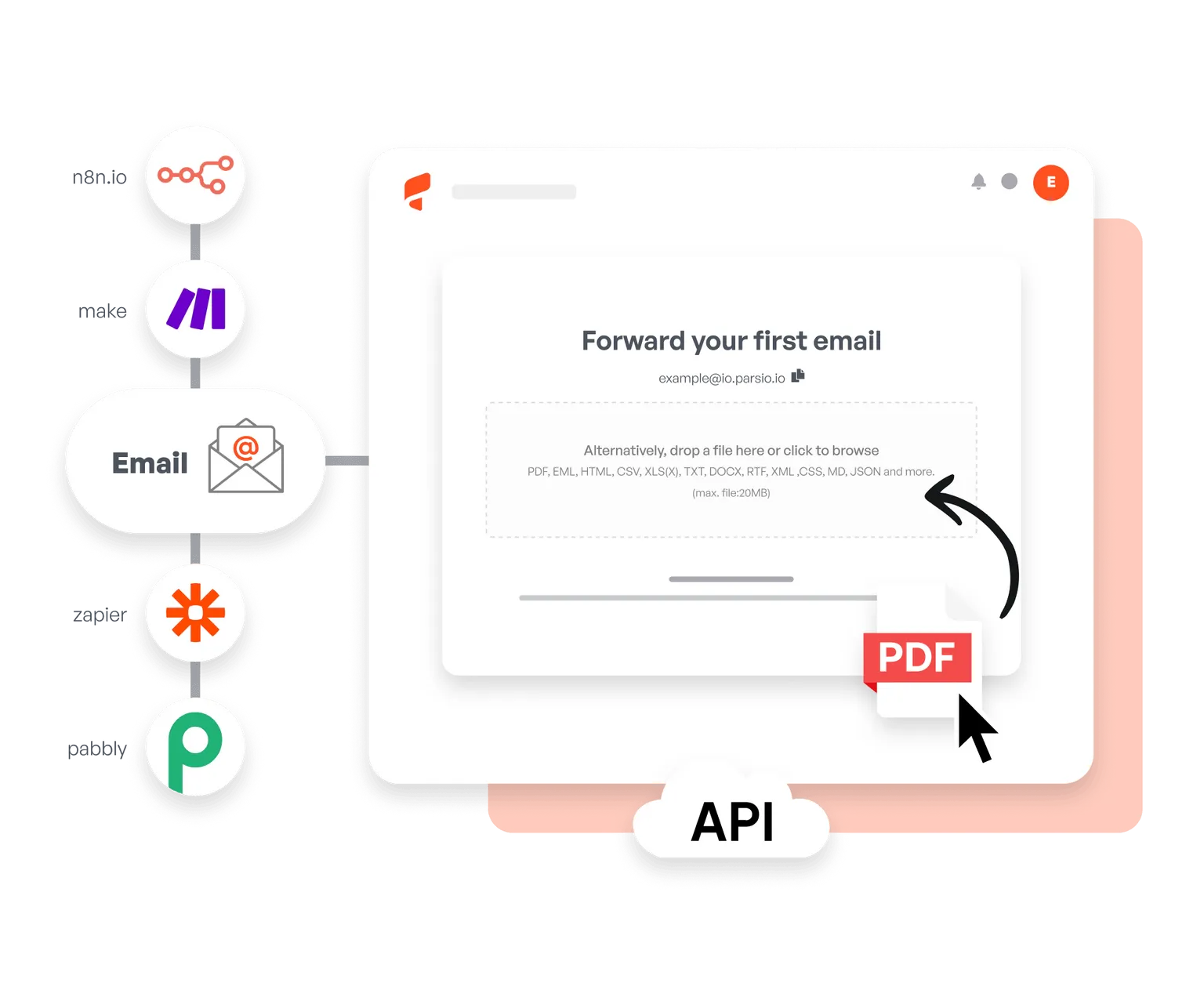
02. AI 提取数据
Parsio 的预训练名片模型会自动捕获姓名、公司、职位、邮箱、电话、地址和社交资料,无需设置。
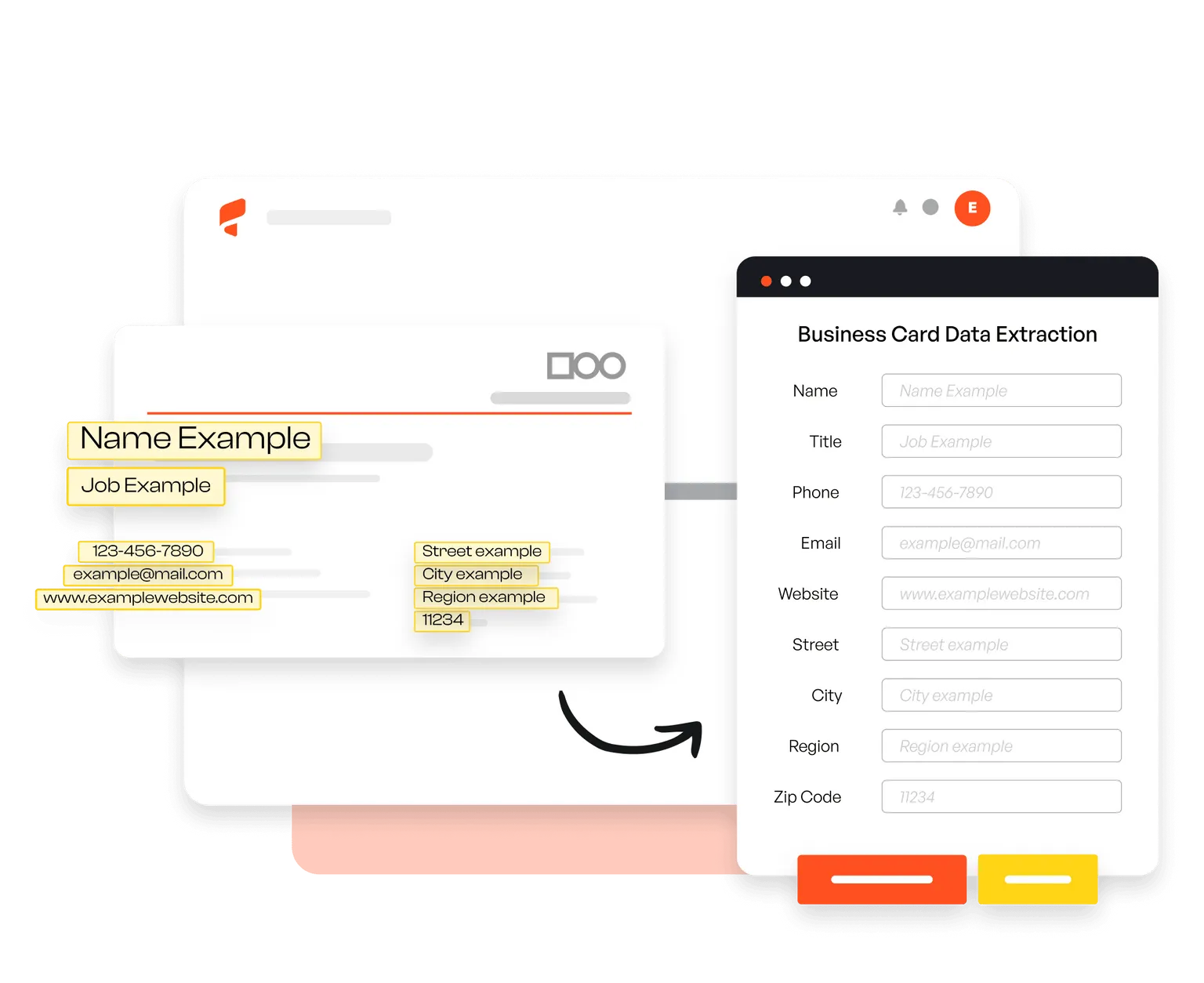
03. 导出到任何地方
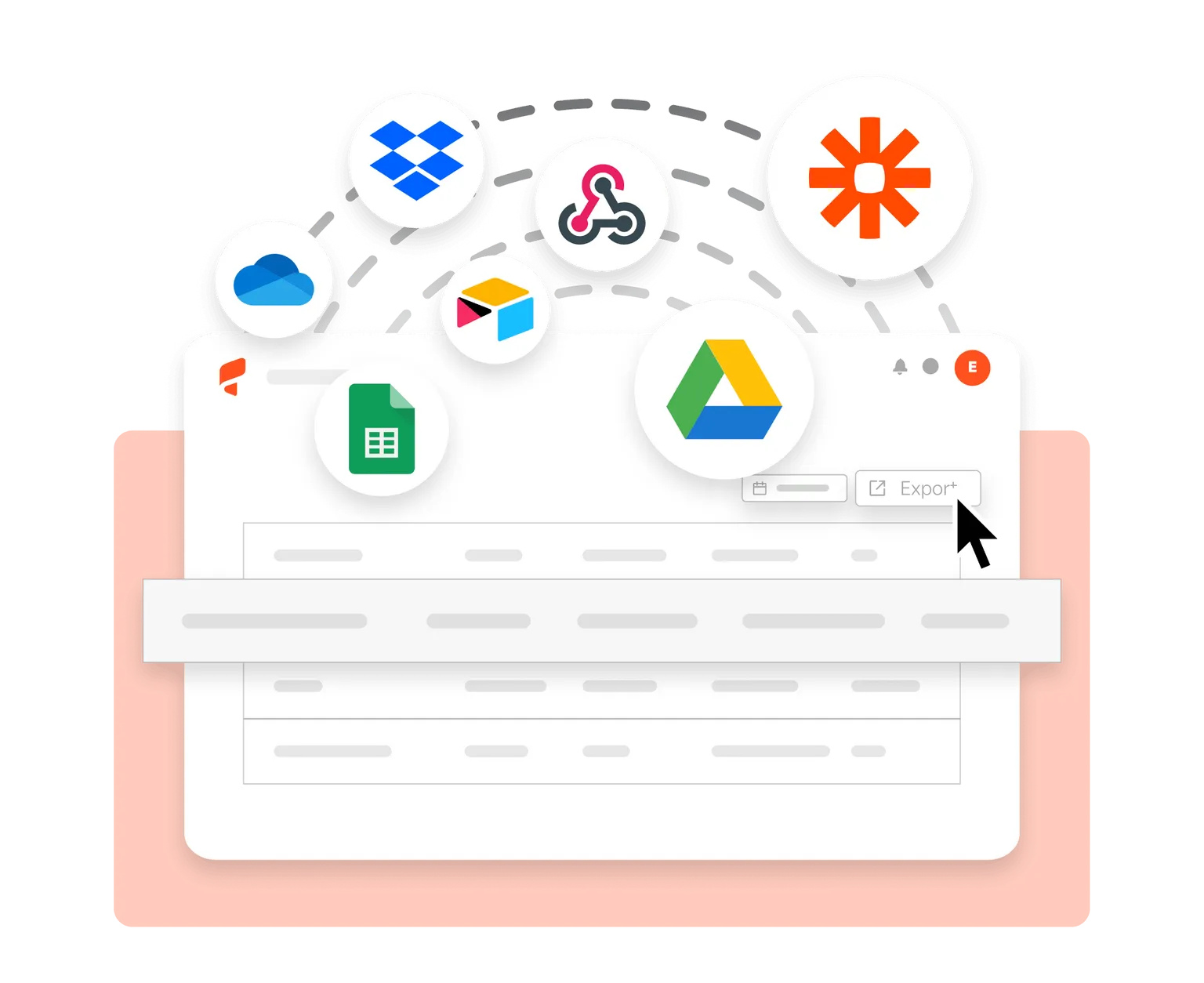
通过 Zapier、Make 和 API,将提取的联系人数据实时发送到 CRM、Google Sheets 或 6,000+ 个其他应用。
Trusted by 3,000+ businesses worldwide
This is by far the simplest way to extract data you need from similar emails and put them into Google Sheets.
Parsio flows. From the very first moment you feel you are using a software that is well built and easy to understand and use. I have no technical skills and some other softwares make me feel overwhelmed. But that does not happen with Parsio.
I had to manually fill in a lot of details to create reports from data that existed in emails and apps. Parsio works great to get those details automatically from them to Google Sheets. And helps me save a lot of time.
Parsio ended up being the most efficient when it comes to extract handwritten data from documents.
常见问题
Parsio 的名片 parser 如何工作?
将名片图片或 PDF 上传或转发到 Parsio。我们的预训练 AI model 会自动提取所有联系人字段:姓名、公司、职位、邮箱、电话、地址,并将数据实时发送到您的 CRM 或任何已连接应用。
可以从名片中提取哪些数据?
Parsio 可以从任何名片格式中提取姓名、职位、公司、邮箱、电话号码、地址、网站和社交媒体资料。
支持哪些语言?
Parsio 可以识别扫描 PDF 和图像中的拉丁及欧洲语言的打印和手写文本。
费用是多少?
我们根据您每月需要处理的文档数量提供灵活价格方案。请查看我们的 价格方案 了解更多。
提供免费试用吗?
是的!免费方案每月包含 30 credits 和 20 页 PDF 或扫描图像,您可以免费测试 parser。