
Try it now 👇
01. Import your files
Bring PDFs into Parsio any way that works for you. Forward email attachments automatically, upload files manually, trigger imports from Zapier or Make, or use the API to build fully custom document workflows.

Email Attachments
Auto-forward PDF attachments from any inbox to Parsio the moment they arrive.
File Upload
Drag and drop PDFs, scanned images, and photos directly for instant extraction.
Automation Platforms
Connect Parsio to Zapier, Make, n8n, or Pabbly Connect without writing a single line of code.
REST API
Programmatically submit files and build custom document processing pipelines.
02. AI extracts your data
Parsio's AI models automatically recognize the document type and extract the right fields — invoices, receipts, bank statements, IDs, business cards, and more. No template creation or manual field mapping required.
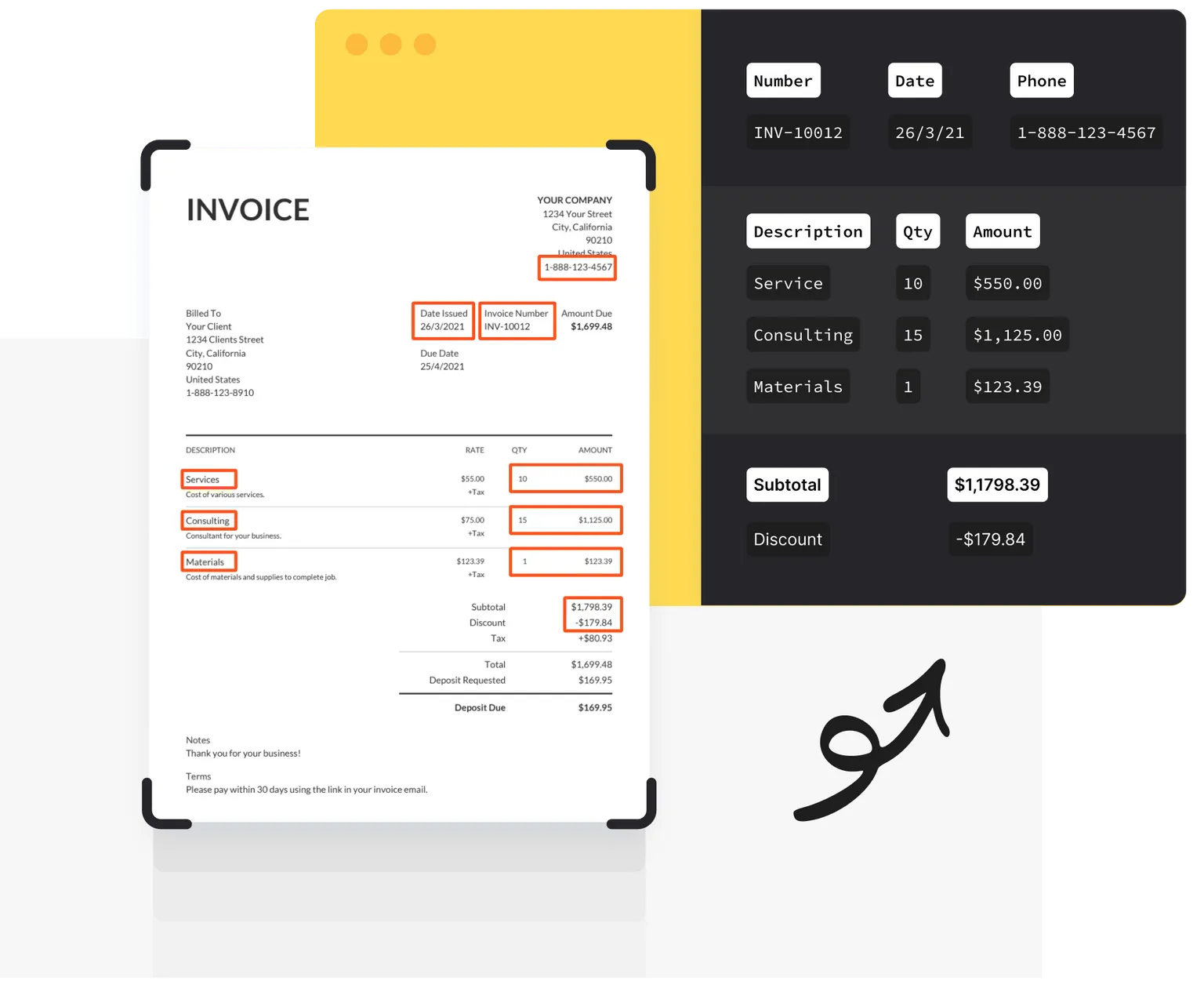
AI-Powered OCR
Accurately reads text from scanned PDFs, photos, and handwritten documents with high precision.
Zero Configuration
Pre-trained models identify document types and extract the right fields straight out of the box.
40+ Languages
Recognizes printed and handwritten text across Latin, European, and Cyrillic language scripts.
Tables & Line Items
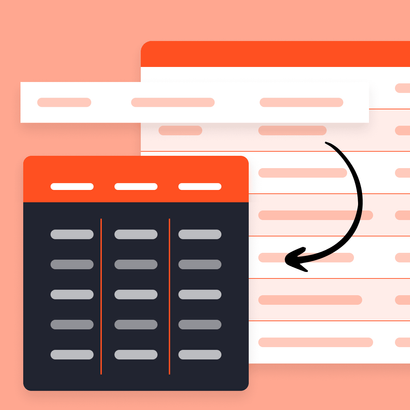
Pulls structured tables, repeating rows, and nested data from complex PDF layouts automatically.
03. Send data anywhere
Export extracted data to Google Sheets, Airtable, HubSpot, Slack, and 6,000+ other apps using Zapier, Make, or n8n. Use webhooks and our REST API to build fully custom downstream integrations.

Google Sheets & Excel
Automatically populate spreadsheets with extracted fields as new documents are processed.
6,000+ Integrations
Push data to any app in your stack — Airtable, Notion, Slack, HubSpot, and thousands more.
Post-Processing Rules
Normalize, format, and transform extracted fields with custom logic before sending data downstream.
Webhooks & API
Send parsed results to any endpoint and trigger downstream workflows the moment parsing completes.

Frequently asked questions
Which document types does Parsio support?
Parsio uses AI and OCR to process a wide range of document types — invoices, receipts, bank statements, ID cards, passports, driver's licenses, business cards, and generic documents including handwritten text.
You can also parse emails and attachments using Parsio's template-based email parser.
Do I need to set up templates or train a model?
Does Parsio have an API?
What technical skills are required?
Is there a free plan?
Can Parsio extract tables and line items from PDFs?
Can I integrate Parsio with Google Sheets, Zapier, or Make?
Is Parsio secure for sensitive documents?
Start extracting PDF data today
Join thousands of businesses that automate their document workflows with Parsio.