
Emails
Extract fields from structured email bodies, subject lines, metadata, and repeated system-generated messages.
PDFs & Attachments
Parse structured PDFs, spreadsheets, HTML, DOCX, XML, and other attached files using the same template-based approach.
Precise Field Mapping
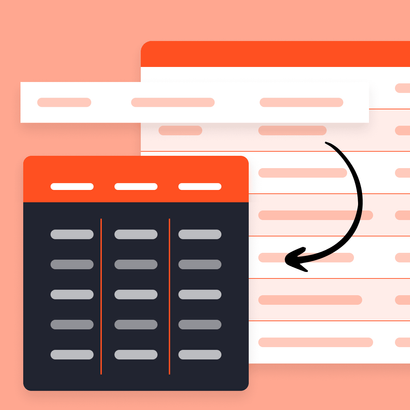
Highlight exactly what you want to extract with no-code templates built for predictable layouts.
6,000+ Integrations
Export to Google Sheets, Airtable, HubSpot, Slack, and thousands of other apps instantly.
Set up your email parser in under 5 minutes
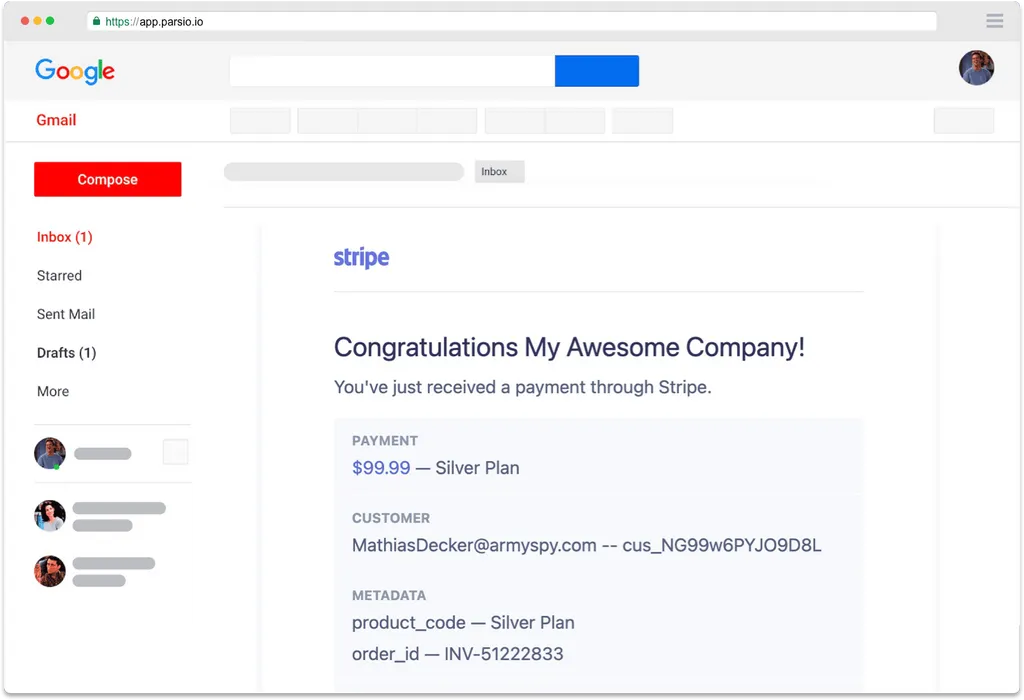
Send a sample email
Forward a real email to your Parsio mailbox, or upload a file directly.
Parse emails, PDFs, and attachments.
Forward emails or upload files — no API needed.
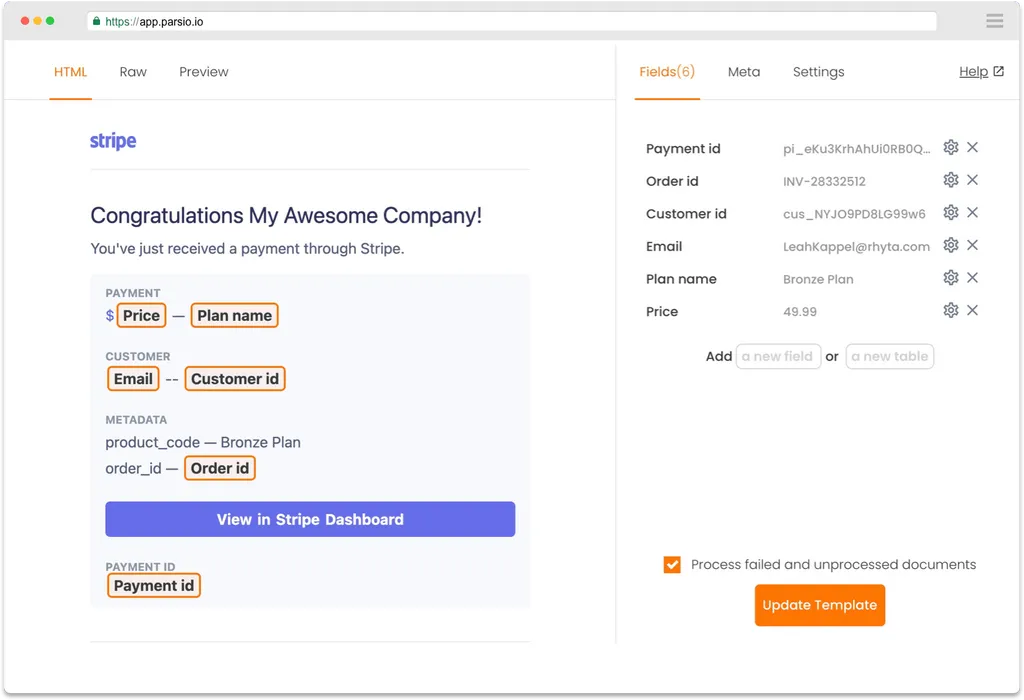
Highlight the fields to extract
Use Parsio's visual editor to select the fields you want to capture — no coding needed.
Point-and-click template builder.
Works with emails, PDFs, and any structured document.
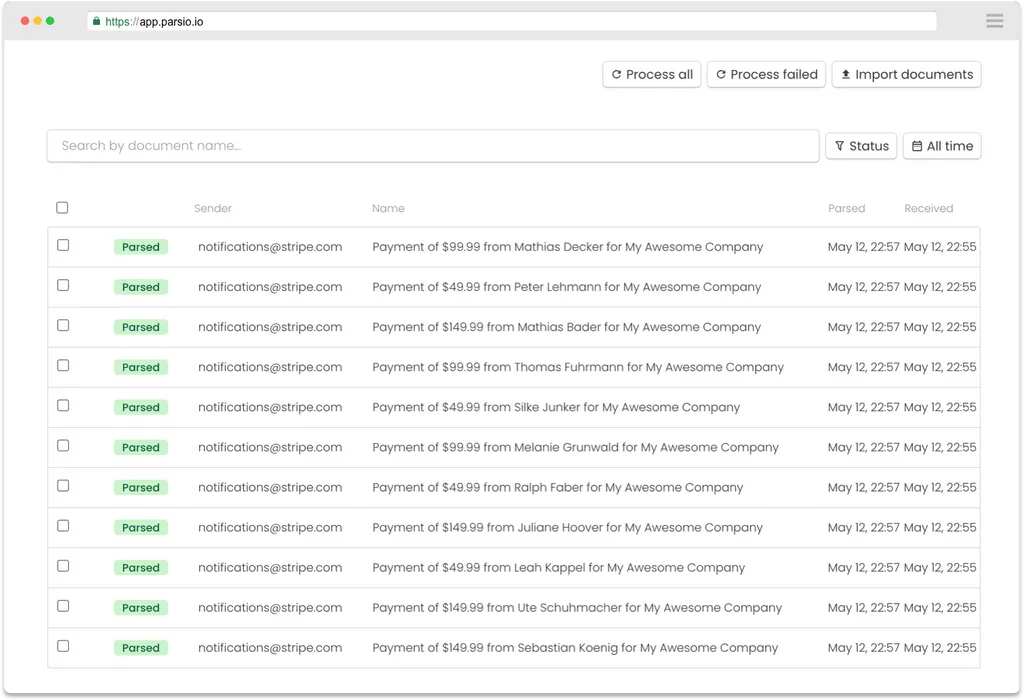
Parsio handles the rest
Every new email that matches your template is parsed automatically — no action required on your end.
Export to Google Sheets, webhooks, or 6,000+ apps.
Runs 24/7 without any manual intervention.
Use template parsing when layouts stay consistent
- Structured emails from the same sender or workflow
- PDFs and attachments with fixed layouts
- Precise field mapping with point-and-click templates
- High-volume workflows where consistency matters most
- Teams that want predictable extraction without prompt tuning
Questions about template-based parsing
What is a template parser?
When should I use templates instead of GPT parsing?
Can Parsio parse PDFs and attachments with templates?
Do I need to write code to build a template?
What kinds of documents are best for template parsing?
Can I move from templates to GPT later?
Can I integrate template parsing with Google Sheets, Zapier, or Make?
Is template-based parsing secure?
Start building your first template parser
Set up a no-code template once and let Parsio extract structured data from emails, PDFs, and recurring documents automatically.