
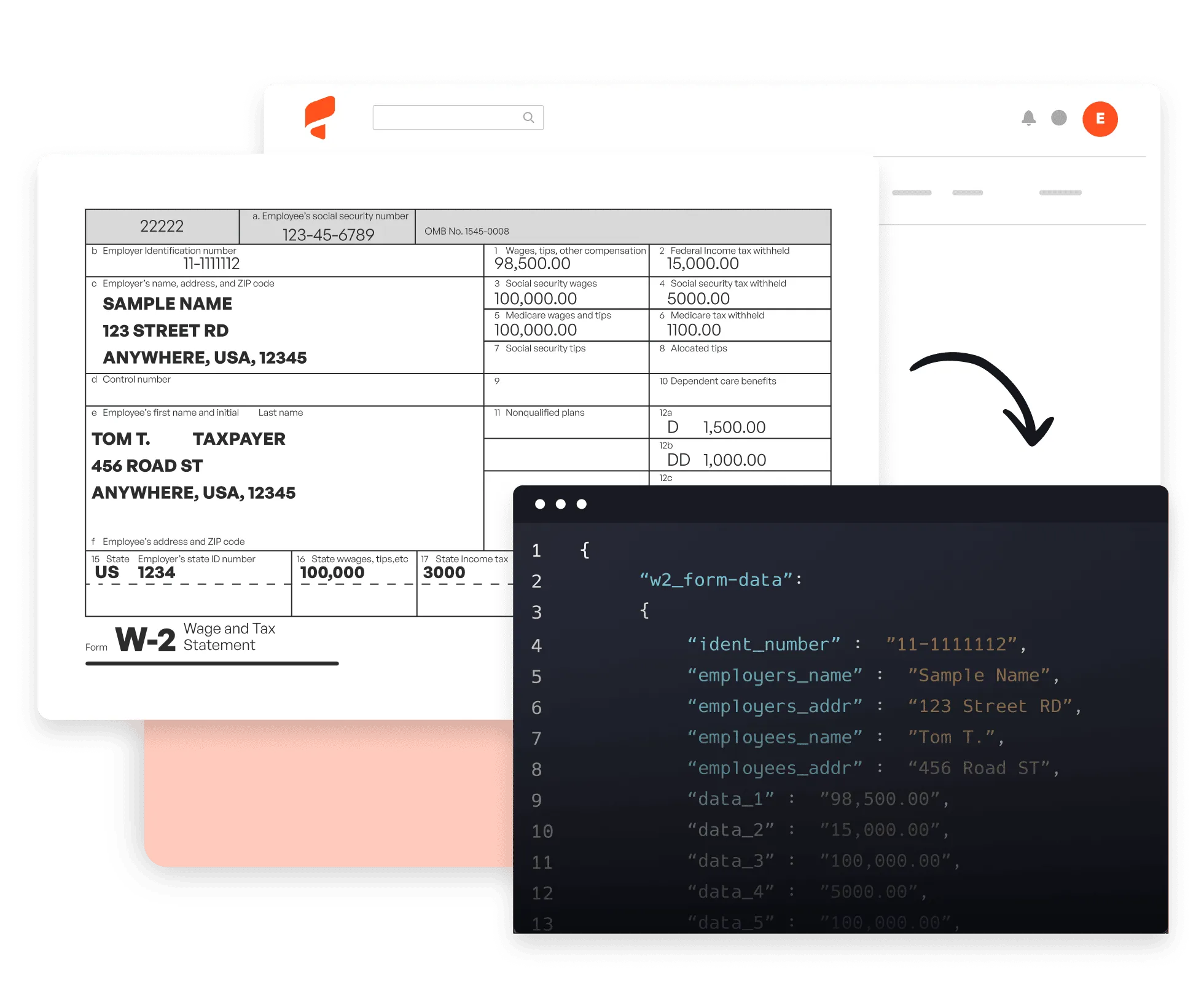
Why use Parsio for W-2 form processing?
Fast, accurate extraction
Our AI parser extracts all W-2 fields in seconds — wages, federal and state taxes, employer EIN, employee details, and every box value.
Any format, any layout
Handles standard and employer-customized W-2 forms, printed or scanned, from any tax year.
Clean, structured output
Apply custom business logic to normalize and structure extracted data before sending it to your payroll system or database.
From W-2 form to structured data in 3 steps
01. Import your forms
Upload W-2 PDFs or scanned images manually, forward them as email attachments, or import via API and automation platforms like Zapier and Make.

02. AI extracts the data
Parsio's AI automatically captures all W-2 fields — employee and employer details, EIN, wages, federal income tax, Social Security, Medicare, and all state/local boxes.
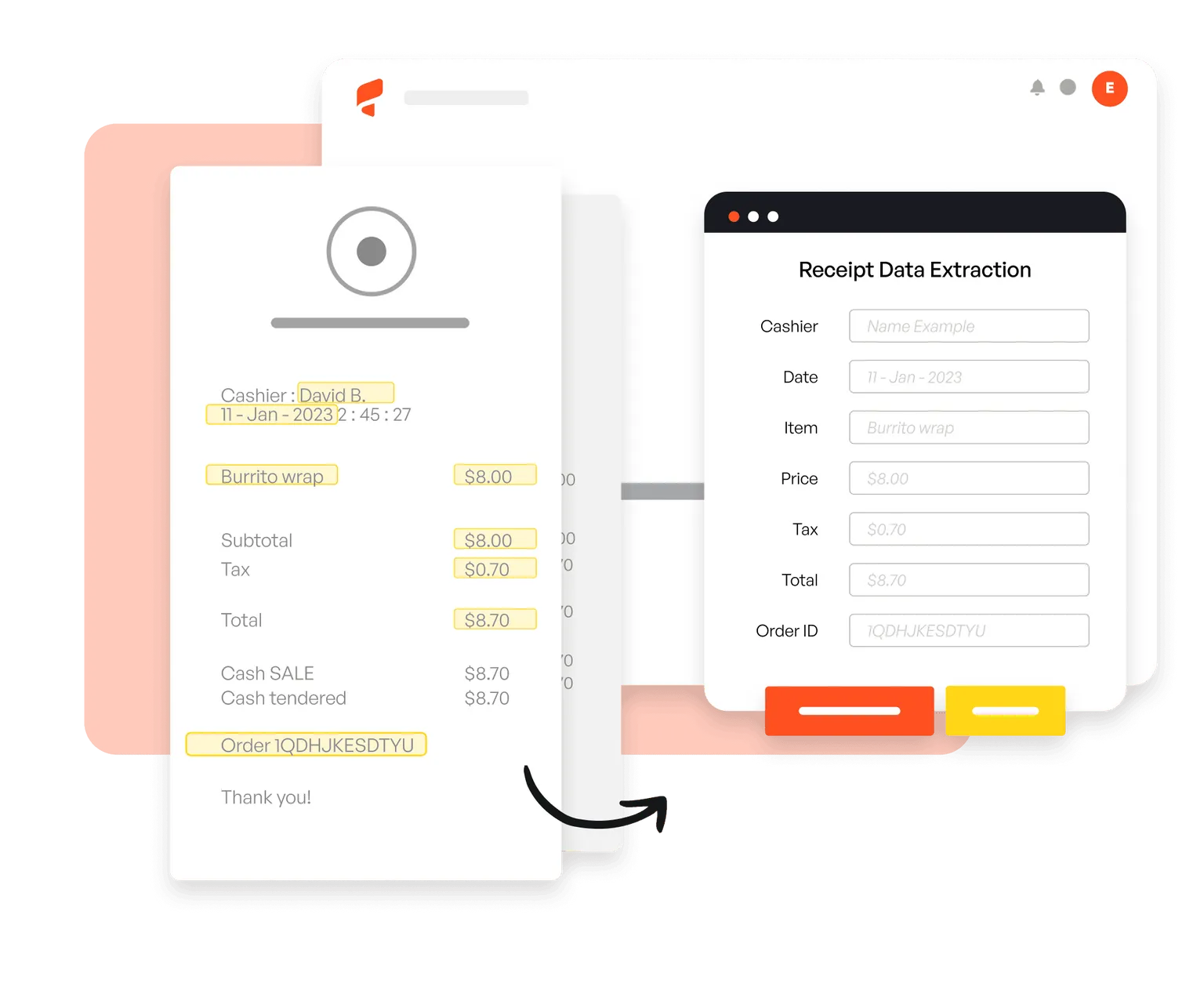
03. Export anywhere
Send extracted W-2 data in real time to your payroll software, accounting system, Google Sheets, or 6,000+ other apps.

Trusted by 3,000+ businesses worldwide





This tool helped save me so much time! It was easy to understand right off the bat, and I didn't have to sync with anything.
Parsio ended up being the most efficient when it comes to extract handwritten data from documents.
So far I am saving a few hours of data entry each month. The more I use it the more time I am saving.
This is by far the simplest way to extract data you need from similar emails and put them into Google Sheets.
Frequently asked questions
How does Parsio extract data from W-2 forms?
Which W-2 formats are supported?
Is my tax data secure?
What fields can Parsio extract from a W-2?
How long does it take to parse a W-2 form?
Do you offer a free trial?
Reliability & security

Start automating W-2 processing today
Join thousands of finance and tax teams that save hours every season by automating data extraction with Parsio.