
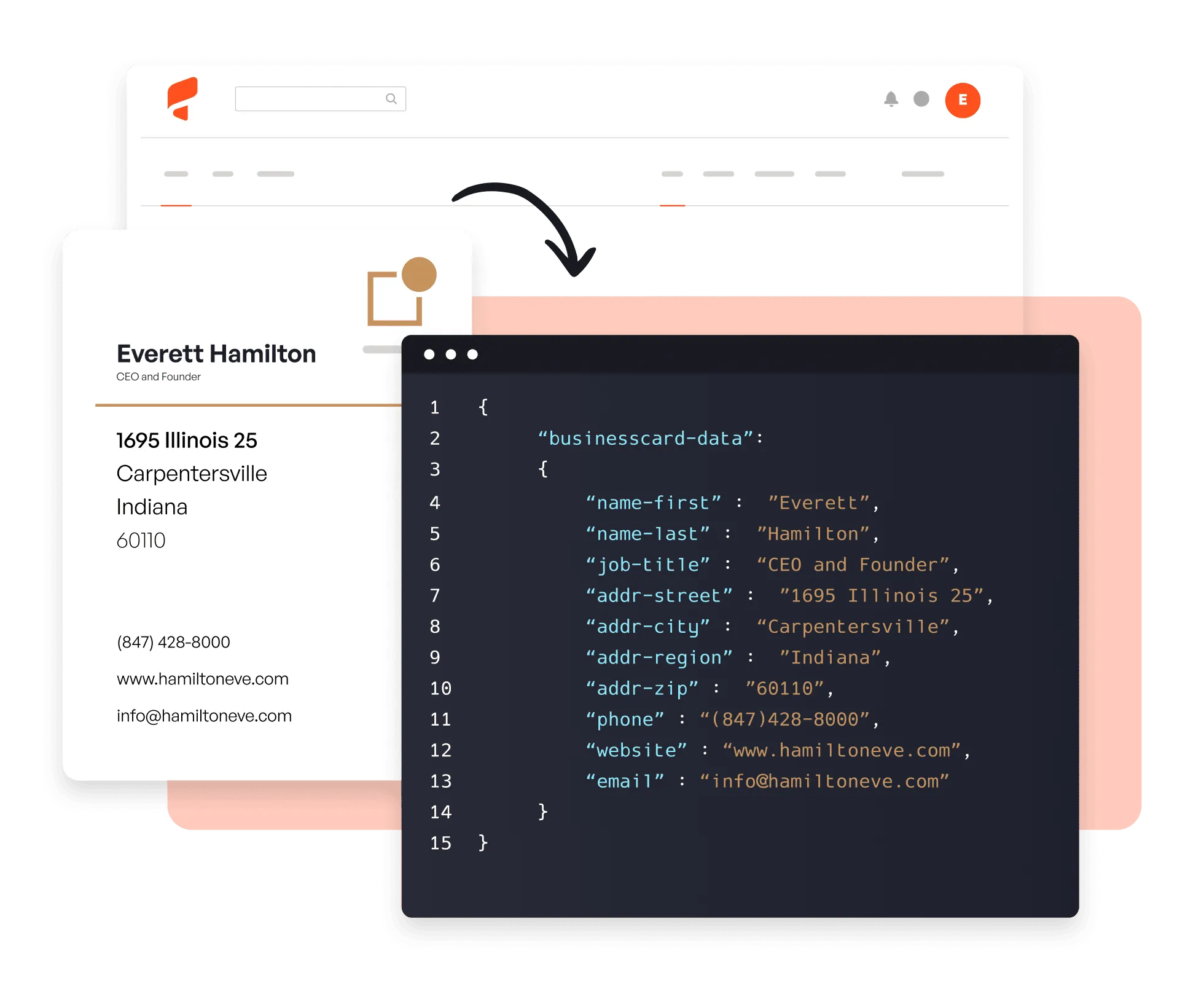
Try it now 👇
Why use Parsio for business card scanning?
Instant, accurate extraction
Pre-trained on millions of business cards, Parsio captures all contact fields in seconds — no templates or manual field mapping required.
Any format, any language
Handles printed and handwritten cards in multiple languages and layouts — scanned PDFs, photos, or email attachments.
Export to your CRM
Push captured contacts to HubSpot, Salesforce, Pipedrive, Google Sheets, or any of 6,000+ apps in real time.
From business card to contact in 3 steps
01. Import your cards
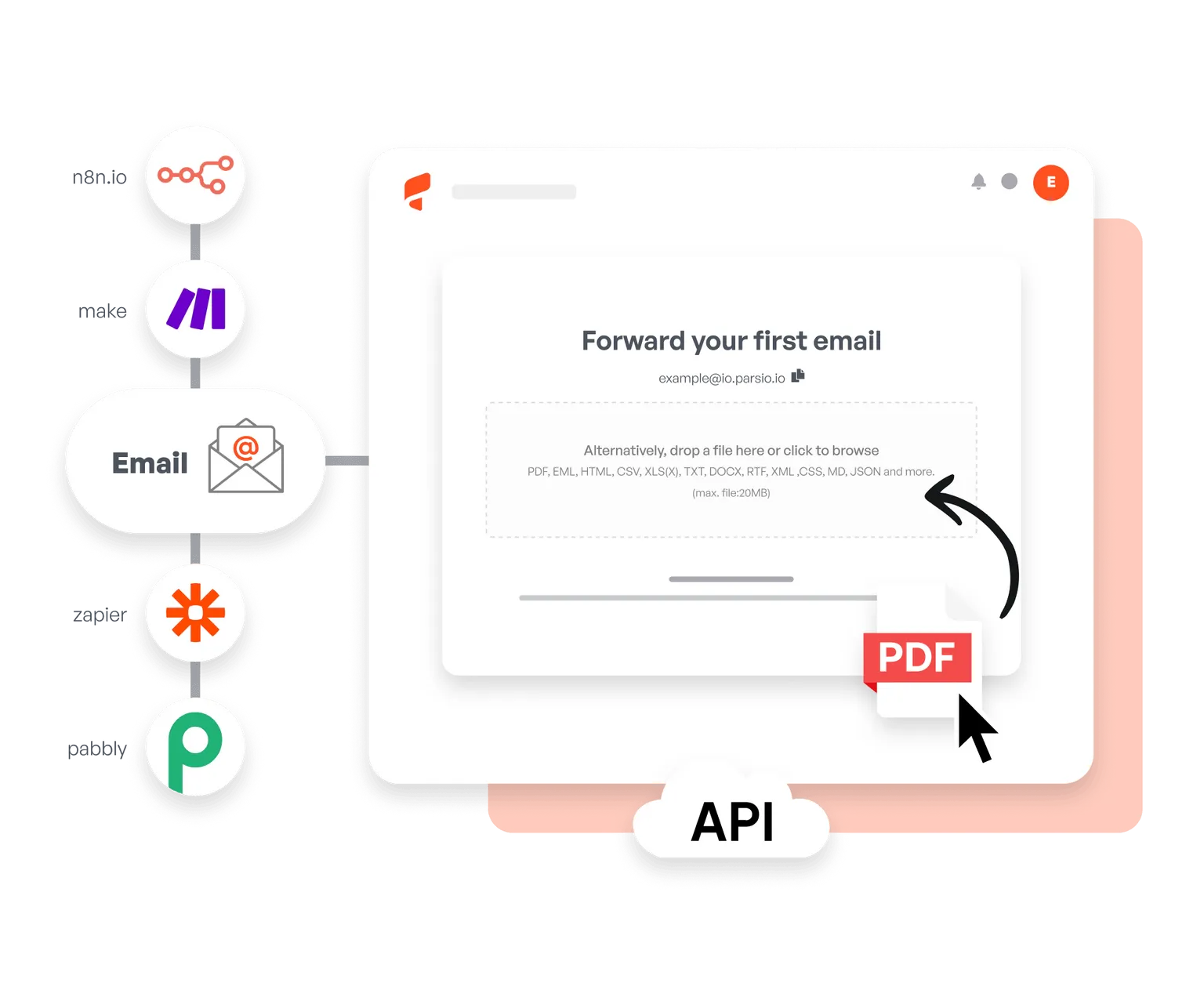
Upload scanned PDFs or photos manually, forward them as email attachments, or import via API and automation platforms like Zapier and Make.
02. AI extracts the data
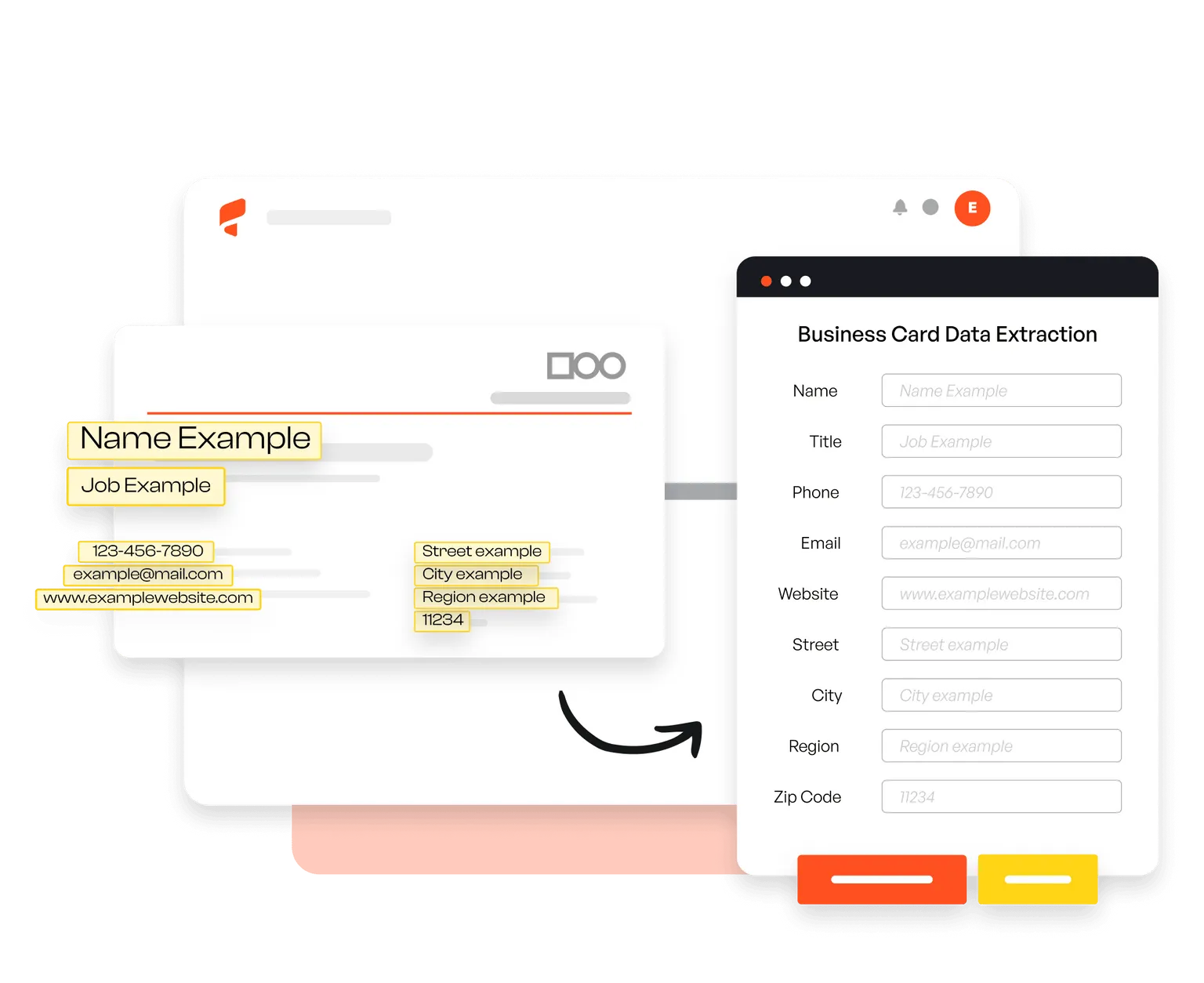
Parsio's pre-trained business card model automatically captures name, company, job title, email, phone, address, and social profiles — no setup needed.
03. Export anywhere
Send extracted contact data in real time to your CRM, Google Sheets, or 6,000+ other apps via Zapier, Make, and the API.

Trusted by 3,000+ businesses worldwide
This is by far the simplest way to extract data you need from similar emails and put them into Google Sheets.
Parsio flows. From the very first moment you feel you are using a software that is well built and easy to understand and use. I have no technical skills and some other softwares make me feel overwhelmed. But that does not happen with Parsio.
I had to manually fill in a lot of details to create reports from data that existed in emails and apps. Parsio works great to get those details automatically from them to Google Sheets. And helps me save a lot of time.
Parsio ended up being the most efficient when it comes to extract handwritten data from documents.
Frequently asked questions
How does Parsio's business card parser work?
Upload or forward a business card image or PDF to Parsio. Our pre-trained AI model automatically extracts all contact fields — name, company, job title, email, phone, address — and sends the data to your CRM or any connected app in real time.
What data can I extract from business cards?
Parsio extracts name, job title, company, email, phone number, address, website, and social media profiles from any business card format.
Which languages are supported?
Parsio can recognize printed and handwritten text in Latin and European languages from scanned PDFs and images.
How much does it cost?
We have flexible pricing plans depending on how many documents you need to process per month. Check out our pricing plans to learn more.
Do you offer a free trial?
Yes! Our free plan includes 30 credits per month and 20 PDF pages or scanned images so you can test the parser at no cost.
Start digitizing business cards today
Join thousands of sales and ops teams that automate contact capture with Parsio.