


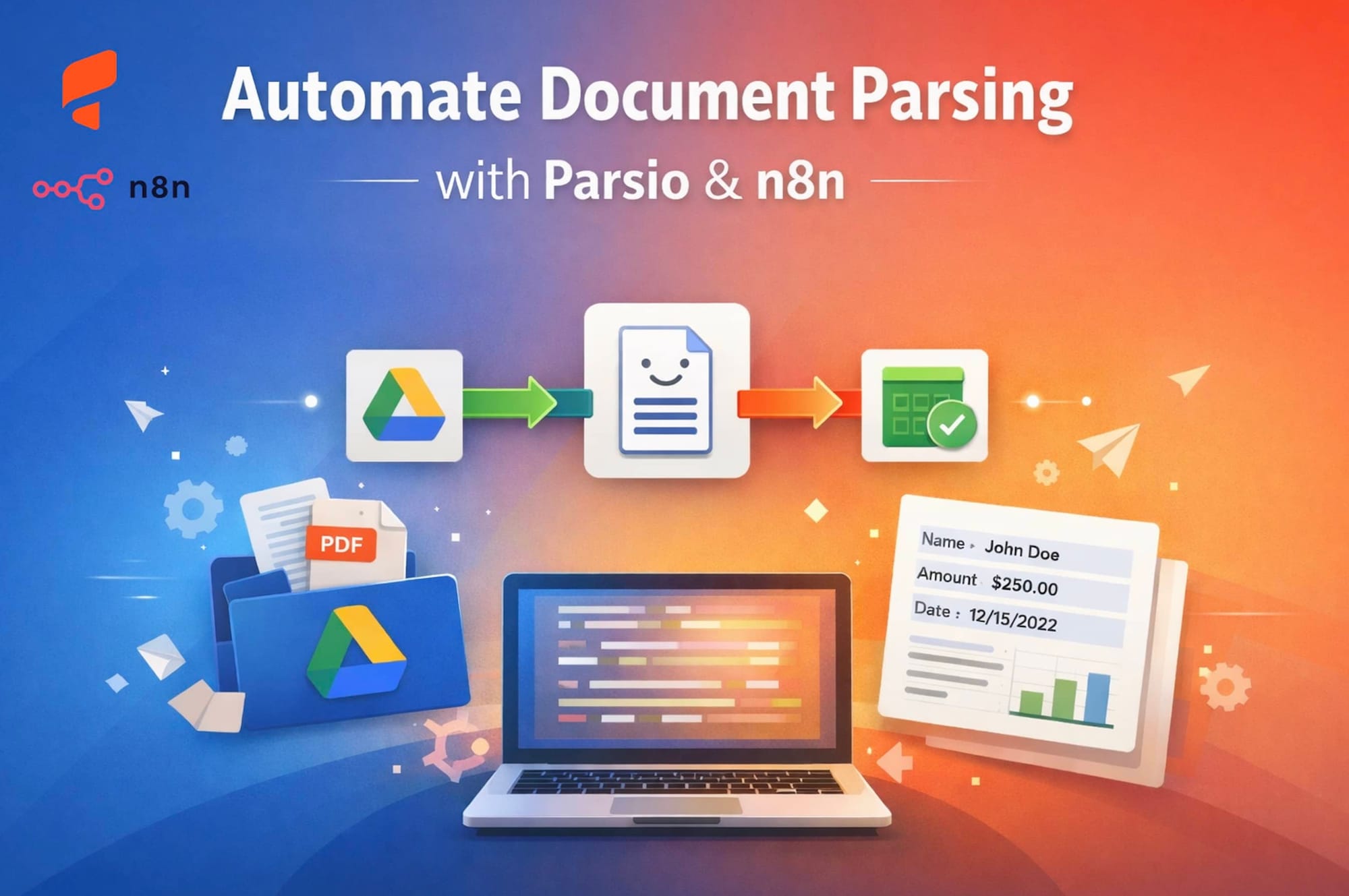
The Parsio + n8n integration is designed for teams that want flexible workflow automation around parsed document data. Parsio handles extraction from emails and files, while n8n orchestrates the next steps across apps, databases, APIs, and internal systems.
This setup works well for document pipelines that need more technical control than a simple no-code export: importing files from storage, parsing email attachments, routing records to a database, notifying teams, or combining parsed data with API calls.
Choose n8n when your team wants a powerful automation builder that can be self-hosted or customized. For quick SaaS automations, Zapier and Make may be simpler; for direct delivery to your own app, Parsio webhooks are often the shortest path.
Popular n8n workflows with Parsio
Parse documents from cloud storage
Use n8n to watch folders or fetch files, send documents to Parsio for extraction, and continue the workflow when structured data is ready.
Send parsed data to databases
Route extracted fields from invoices, emails, orders, or forms into SQL databases, internal tools, warehouses, or custom backends.
Process invoices and receipts
Extract totals, taxes, vendors, due dates, currencies, and line items, then send them through accounting, approval, or validation flows.
Automate email attachment parsing
Parse incoming email bodies and attachments, then trigger workflows based on extracted values, document type, sender, or confidence requirements.
Combine parsed data with APIs
Use n8n HTTP and code nodes to enrich Parsio output, call internal APIs, validate fields, or transform payloads before delivery.
Alert teams and systems
Notify Slack, email, ticketing tools, or internal systems when important parsed documents arrive or require review.
From parsed document to n8n workflow
Start with an n8n or Parsio trigger
A workflow can begin when n8n detects a file, receives an email or webhook, or when Parsio has parsed a document and made structured data available.
Parse the document in Parsio
Use Parsio's AI, OCR, GPT, or templates to extract the fields your workflow needs from email bodies, PDFs, images, spreadsheets, CSV files, and attachments.
Map fields into n8n nodes
Use extracted fields such as totals, names, addresses, IDs, dates, and line items inside n8n nodes, branches, filters, code steps, and API calls.
Deliver data to your stack
Send the final structured data to databases, spreadsheets, CRMs, storage, chat tools, internal APIs, or any destination your n8n workflow supports.
How to connect Parsio with n8n
Choose the integration method that fits your workflow.

n8n Parsio node
Use the Parsio integration in n8n to connect document parsing with workflow automation steps across apps, APIs, and databases.
Best for technical and operations teams that want flexible workflow control in n8n.
Webhook workflow
Use webhooks when you want Parsio to send parsed data into an n8n webhook endpoint or route data through a custom HTTP payload.
Best for custom pipelines and teams that want explicit control over payloads and endpoints.
API-driven workflow
Use API calls when n8n needs to coordinate document import, status checks, or downstream processing around Parsio and internal systems.
Best for developer-led workflows that combine n8n nodes with custom services.Fields Parsio can send to n8n
When this integration works well
- Technical operations teams building document workflows in n8n
- Companies that want self-hosted or highly customizable automation
- Workflows that combine parsed document data with databases and APIs
- Finance and operations pipelines with validation, branching, or enrichment steps
- Teams that need more control than a simple SaaS-to-SaaS connector
When another setup may be better
- Teams that want the fastest possible setup with minimal workflow design
- Simple direct exports where Google Sheets or another native export is enough
- Non-technical teams that prefer a broader no-code app catalog over workflow control
n8n integration questions
What does the Parsio n8n integration do?
It lets you use parsed document data from Parsio inside n8n workflows. Parsio extracts fields from emails, PDFs, invoices, receipts, and attachments, and n8n routes that data to other apps or systems.
Can n8n send files to Parsio for parsing?
Yes, n8n workflows can be designed to fetch or receive files and send them into a document parsing workflow with Parsio, depending on how you configure the nodes and API steps.
Can Parsio send parsed invoice data to a database through n8n?
Yes. Parsio can extract invoice fields such as vendor, total, tax, due date, and line items. n8n can then insert or update those values in a database or internal system.
Should I use n8n or Zapier with Parsio?
Use n8n when you want more technical control, self-hosting options, custom logic, and API-heavy workflows. Use Zapier when you want quick no-code setup across a large SaaS app catalog.
Can I use webhooks between Parsio and n8n?
Yes. Webhooks are a common way to send parsed data from Parsio into an n8n workflow or to coordinate custom payloads between systems.
Does n8n work with parsed email attachments from Parsio?
Yes. Parsio can process emails and attachments, then n8n can use the extracted fields and file metadata in follow-up workflow steps.
More ways to automate parsed data


Start building n8n document automation workflows
Create a free Parsio account, connect it with n8n, and route parsed document data through your workflow stack.