
Email Body & Metadata
Extract sender details, subject lines, timestamps, routing data, and custom fields from incoming emails.
Attachments
Parse PDF, Excel, CSV, HTML, DOCX, XML, and other files attached to each email.
Two Parsing Engines
Use templates for repetitive layouts or GPT prompts for variable, hard-to-maintain email formats.
Real-Time Automation
Export structured email data to Google Sheets, Airtable, HubSpot, Slack, and 6,000+ apps instantly.
Use the parser that fits your inbox
Choose template-based parsing for stable email layouts, or GPT parsing for inboxes that vary by sender, wording, and structure.
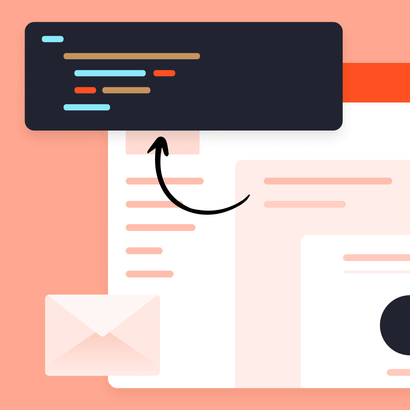
Template Parser
Best when emails follow a predictable structure and you want highly controlled extraction with minimal variation.
- Repeated formats from the same sender or system
- Precise field mapping with point-and-click templates
- High-volume workflows where consistency matters most
GPT Parser
Best when emails vary by sender, wording, or structure and template maintenance becomes slow or fragile.
- Human-written or semi-structured emails
- Fast setup with plain-English prompts
- Better fit for evolving inboxes and mixed formats
Parse the full email workflow, not just the message body
Email body and subject
Capture names, order details, booking info, lead data, timestamps, and any text field inside the email itself.
Email signatures
Extract contact details such as names, job titles, phone numbers, company names, and addresses.
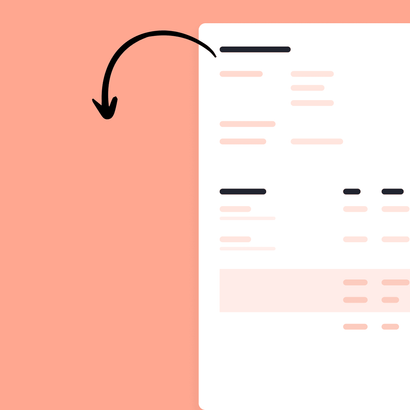
Attachments and files
Parse PDFs, spreadsheets, scans, invoices, and other documents attached to emails in the same workflow.
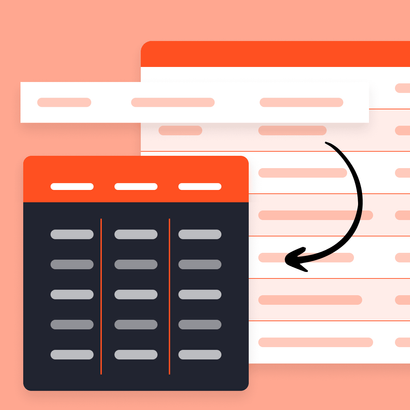
Tables and line items
Extract repeating rows, product tables, invoice lines, and structured blocks from emails and attachments.
Routing and automation
Send extracted data to sheets, CRMs, webhooks, and downstream automations the moment the email arrives.
Mixed inboxes
Handle inboxes where some emails are consistent enough for templates and others are better handled by GPT parsing.
When to use templates vs GPT for email parsing
Use template parsing when
- You receive the same email format over and over
- You want deterministic field extraction from fixed layouts
- You are parsing system-generated alerts, receipts, or notifications
- You prefer visual field selection over prompt-writing
Use GPT parsing when
- Emails differ by sender, tone, or structure
- Your team spends too much time updating templates
- You need to extract meaning from human-written messages
- You want to describe extraction rules in plain English
Questions about parsing emails with Parsio
Which parser should I use for emails?
Can Parsio parse both email content and attachments?
Is template parsing still useful for emails?
When does GPT parsing work better?
Can I start with GPT and move to templates later?
What technical skills are required?
Can Parsio integrate with Google Sheets, Zapier, or Make?
Is Parsio secure for sensitive email data?
Start parsing emails with the right engine
Use templates for stable inboxes, GPT for changing ones, and Parsio to automate both.