
Try it now 👇
Why use Parsio for table extraction?
PDFs, images & emails
Extract tables from PDFs, scanned documents, images, HTML emails, Excel, and CSV files — all in one platform.
Tables, line items & lists
Capture invoice line items, bank transactions, order details, and any repeating data structure with high accuracy.
Export anywhere
Send extracted data to Google Sheets, Airtable, your ERP, or 6,000+ other apps via Zapier, Make, and the API.
Three document types, one platform
PDFs and images
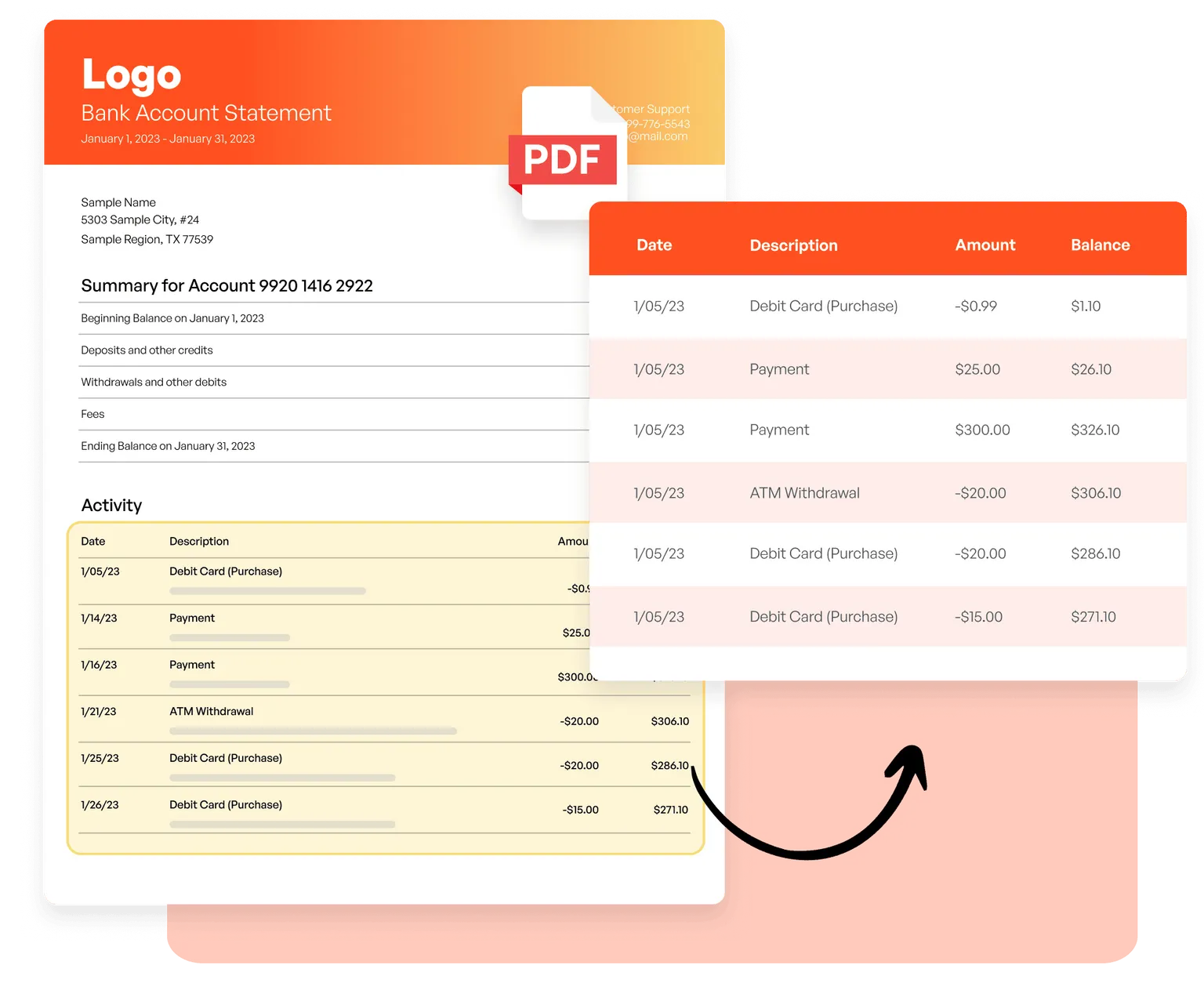
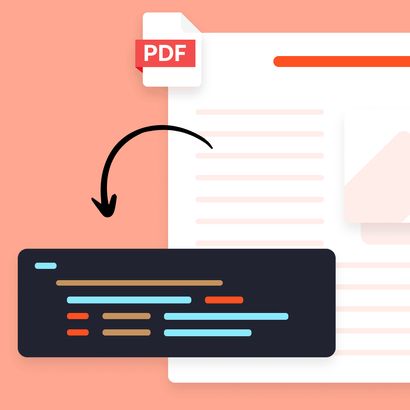
Extract line items from invoices, transaction details from bank statements, and tables from scanned documents using AI-powered OCR — no templates needed.
Emails and HTML
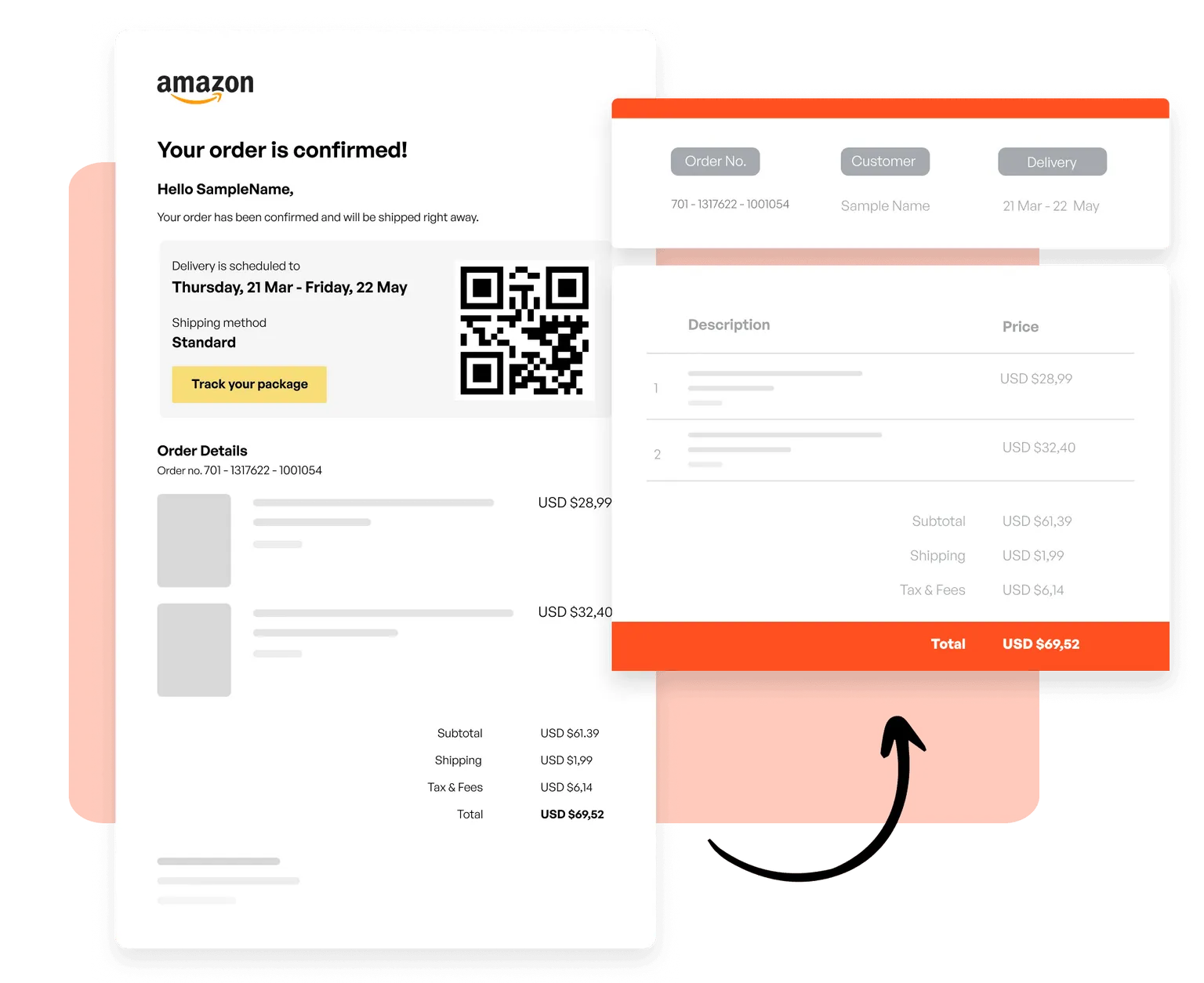
Create templates to capture orders from transactional emails, product lists from newsletters, and structured data from any HTML-based email format.
CSV and Excel
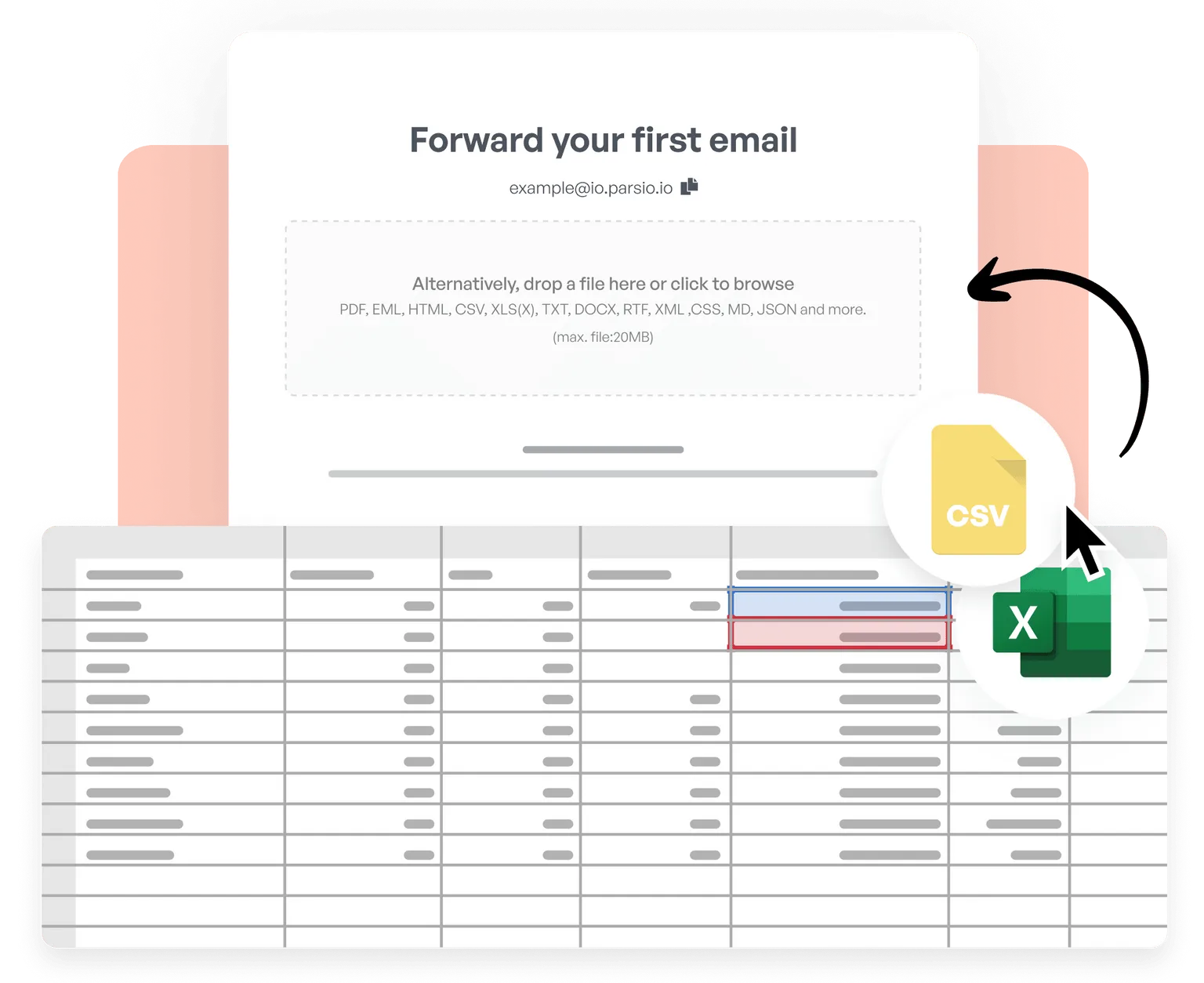
Import CSV and Excel files, merge tables, clean and normalize data, apply custom business logic, and export processed results to 6,000+ apps in real time.
Trusted by 3,000+ businesses worldwide
This is by far the simplest way to extract data you need from similar emails and put them into google sheet.
Parsio flows. From the very first moment you feel you are using a software that is well built and easy to understand and use. I have no technical skills and some other softwares make me feel overwhelmed. But that does not happen with Parsio.
I had to manually fill in a lot of details to create reports from data that existed in emails and apps. Parsio works great to get those details automatically from them to Google sheets. And helps me save a lot of time.
Parsio ended up being the most efficient when it comes to extract handwritten data from documents.
Start extracting tables automatically
Join thousands of businesses that save hours every week by automating their data extraction with Parsio.